Task Management: Turn Projects into Clear Tasks.. Track Every Step
Turn projects into clear tasks. Prioritize, assign, and track completion in real time.. with an automatic activity log on every task showing who created, edited, and completed it.
How many important tasks have disappeared into a message or a sticky note? Without a clear system, work piles up and everyone wastes time trying to remember who owns what.
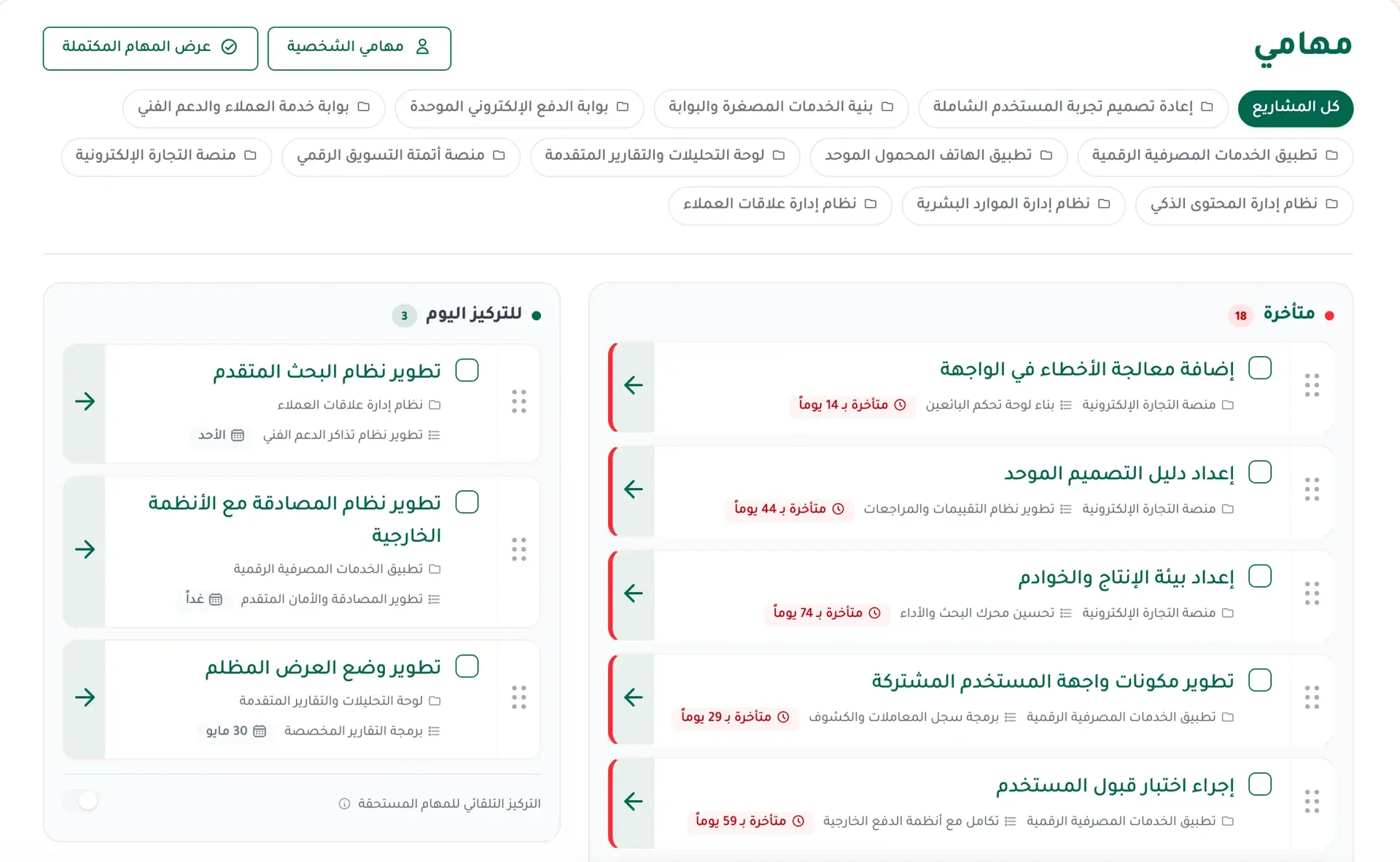
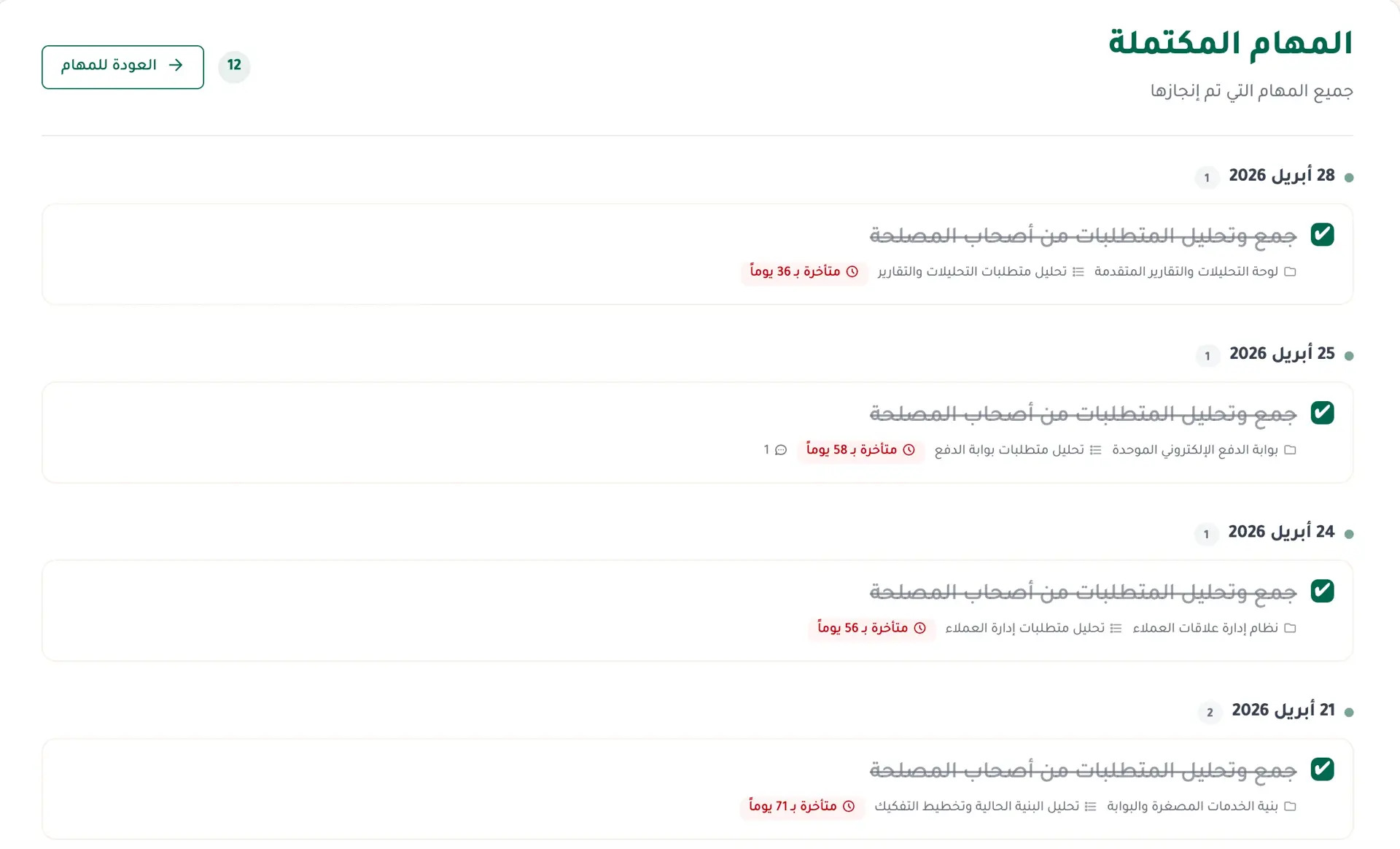
Fareeqy solves the problem at its source. Turn any project into clear tasks, each with one owner, one deadline, and one priority. Priority is the task's place in its list: move it up and the team sees it comes first. Every member sees their work in 'My Tasks' and knows exactly what needs attention today.
Work is not limited to what the team assigns you.. create personal todos for ideas, reminders, and small pieces of work that do not belong to a project. They are visible only to you and appear beside your team tasks in 'My Tasks', so your day does not get split across separate apps.
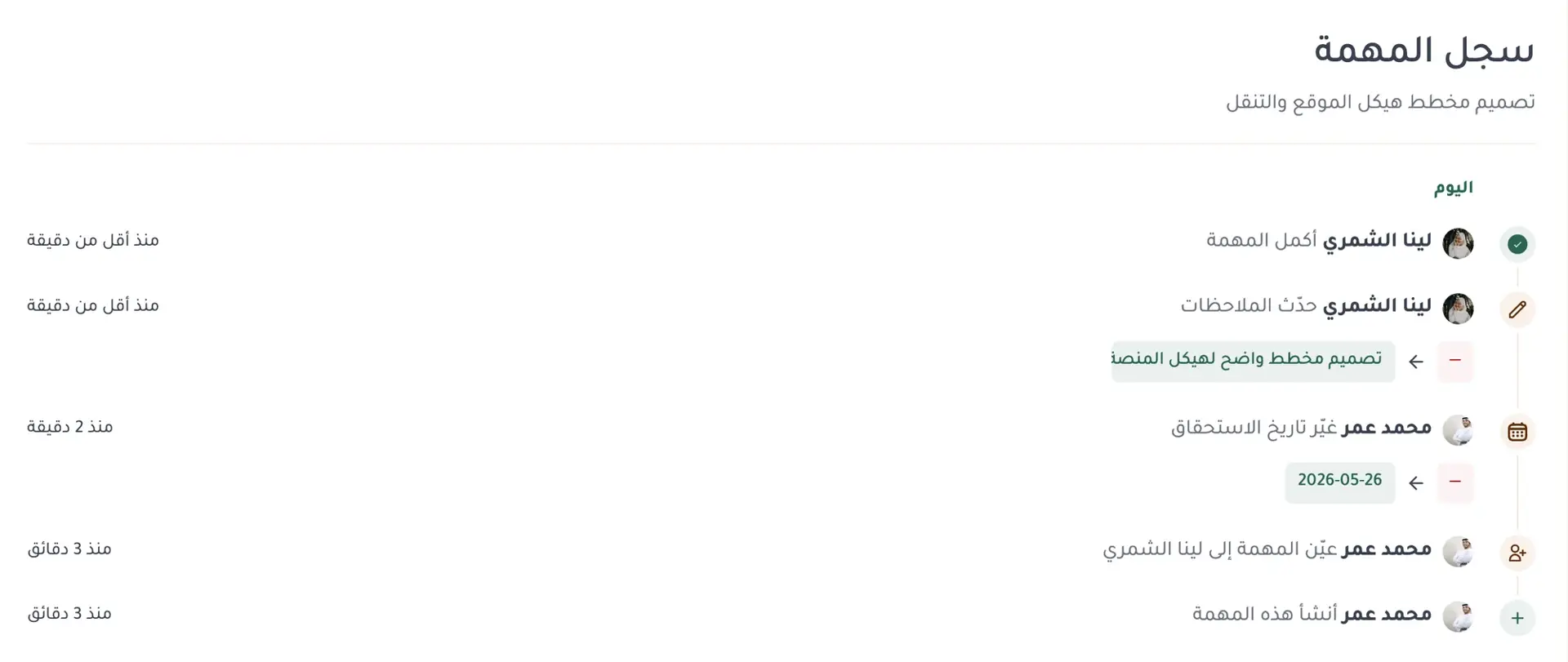
Whenever a task changes, its activity log records who created it, assigned or reassigned it, moved the deadline, edited the notes, completed it, or reopened it. Any task member can open the log and see who changed what and when. No more asking who moved the deadline in a meeting or when the task changed hands.
When the same kind of task comes around again, do not rebuild it, and when a whole list repeats there are ready task lists. Choose 'Duplicate task' from its actions menu to open a new-task form pre-filled with the title, assignee, deadline, and notes. Adjust what changed and save an independent copy in seconds.
When a client or partner asks for an update, you do not need to invite them into your workspace. Publish any task list or individual task through a public link they can open without a Fareeqy account. They see what is complete, what remains, who is working on it, and when it is due. Comments stay hidden unless you choose to show them when publishing. Stop sharing whenever you want. If you publish again later, the same link starts working again. For agencies and freelancers, clients get the progress they need without entering the team's workspace.
The result? A focused team, an informed client, and your personal work organized in the same place. No lost tasks, no forgotten deadlines, and no manual status chase whenever someone asks where the work stands.
Key Benefits
Related Features
Fareeqy Assistant
Say or type, "Prioritise my tasks and tell me what to finish today." Fareeqy Assistant reads only the work your permissions allow and returns a clear order grounded in your projects. You can enable it across your team, and the company credit balance is sized by your subscription seats, so it grows with them.
Time Tracking
Record how long each task took in one field, right where the task already is, with no timer and no timesheet. Then read your team's hours in your reports: where the time went, and how many tasks carry a number at all
Project Management
Every project is a complete workspace for your team: tasks, files, conversations, decisions, and an automatic timeline of every action grouped by day. Color-coded departments group the company's projects by type of work.
Ready Task Lists
Save your recurring task lists once, employee onboarding, campaign launch, client intake, and apply them to any project in one click. Your repeat work becomes a ready template the whole team works from.
Reports & Tracking
Detailed reports on team performance and project progress. Know where your team's time goes and make data-driven decisions.
MCP Server & REST API
Connect your own AI assistant, or your own systems, to your Fareeqy workspace. You set its permissions tool by tool, and every call is written to an audit log.
Related Articles
Frequently Asked Questions
What is the task activity log and how does it work?
How do I find out who changed a task's deadline?
Does the task log keep the old value and the new value?
What's the difference between a personal todo and a project task?
Can I create personal todos that nobody else can see?
How do I duplicate a task instead of creating it from scratch?
Can I share a task list or task with someone who does not have a Fareeqy account?
Do task comments appear on the public link?
Can I stop sharing and later reuse the same public link?
Start your first project in 60 seconds
Try Fareeqy for free and start organizing your work with your team
Start Your Free Trial✓ Free Forever • ✓ No Credit Card Required