Digital clarity A team that knows its next step
Move your team's tasks, discussions, files, and deadlines into one Arabic workspace. Give every task an owner, deadline, and priority, make progress visible, and show everyone what comes next.
No credit card required

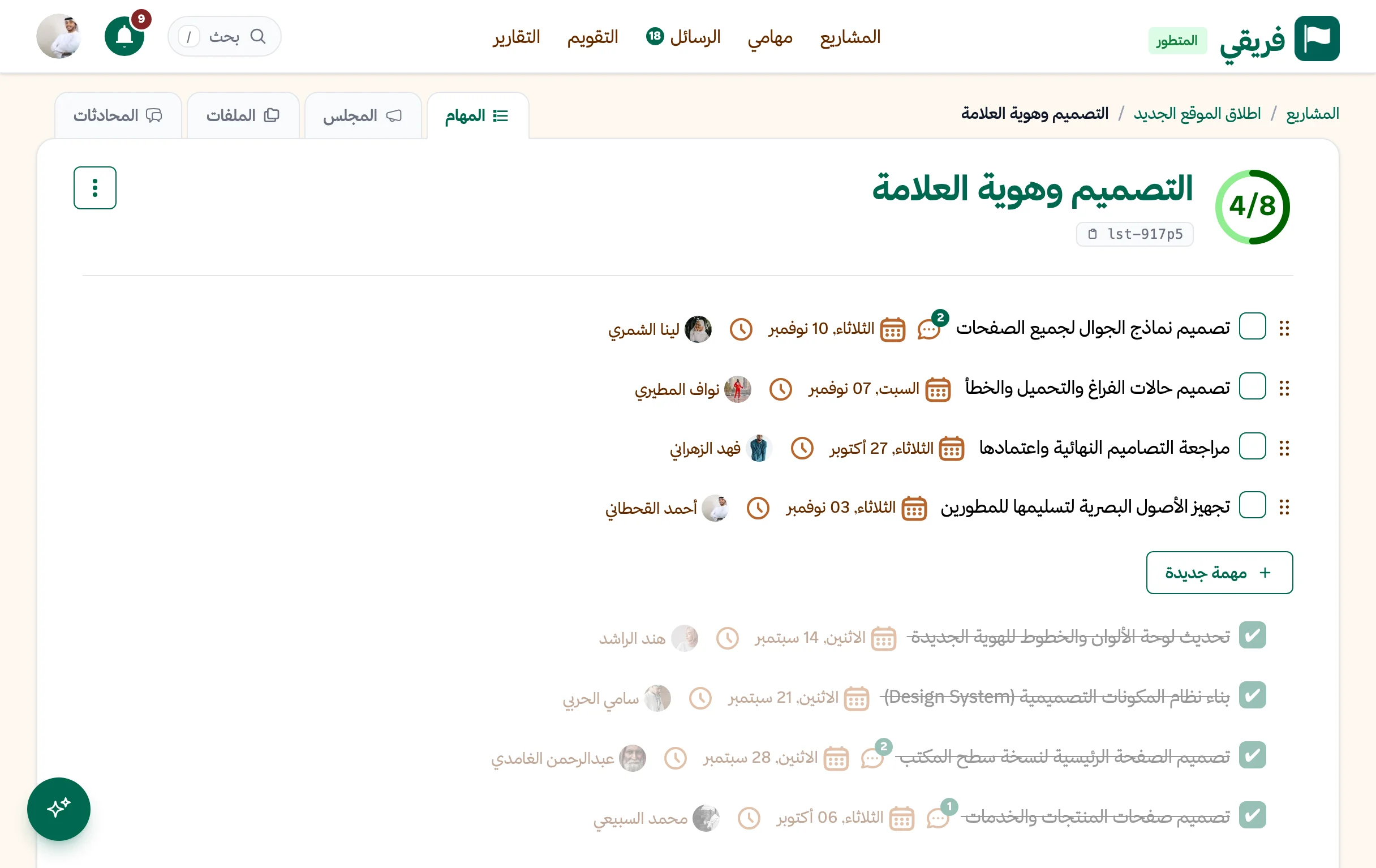

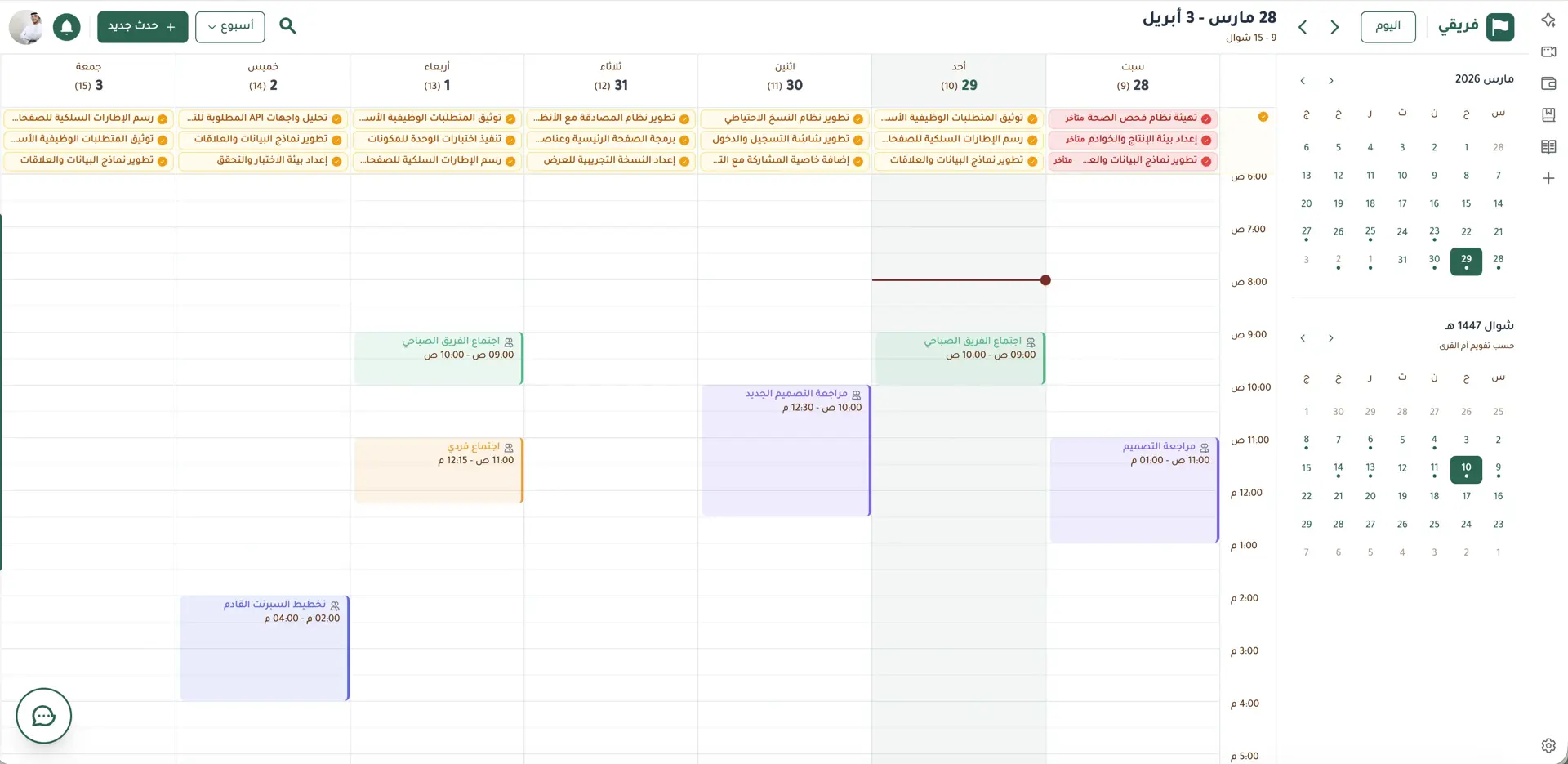
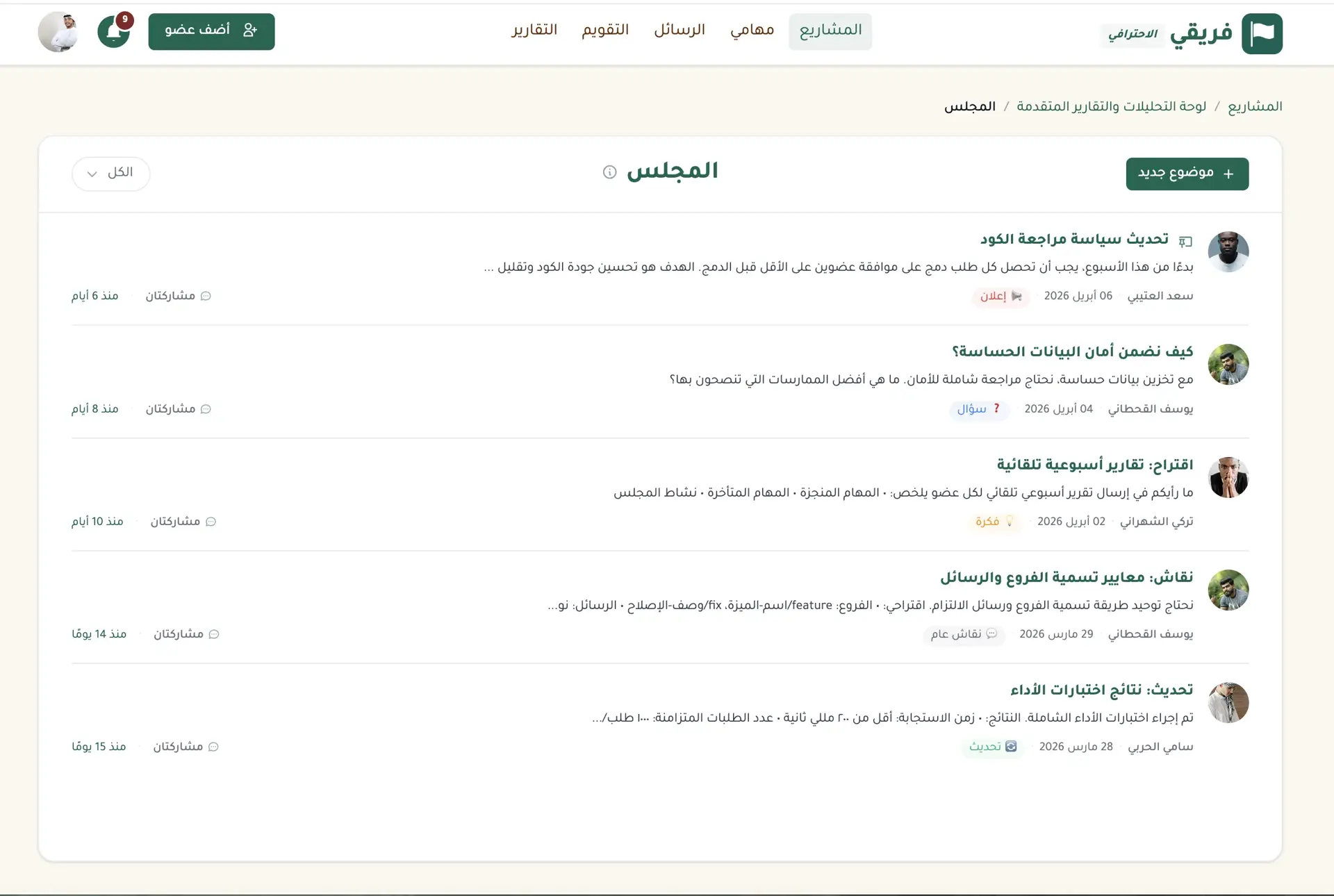

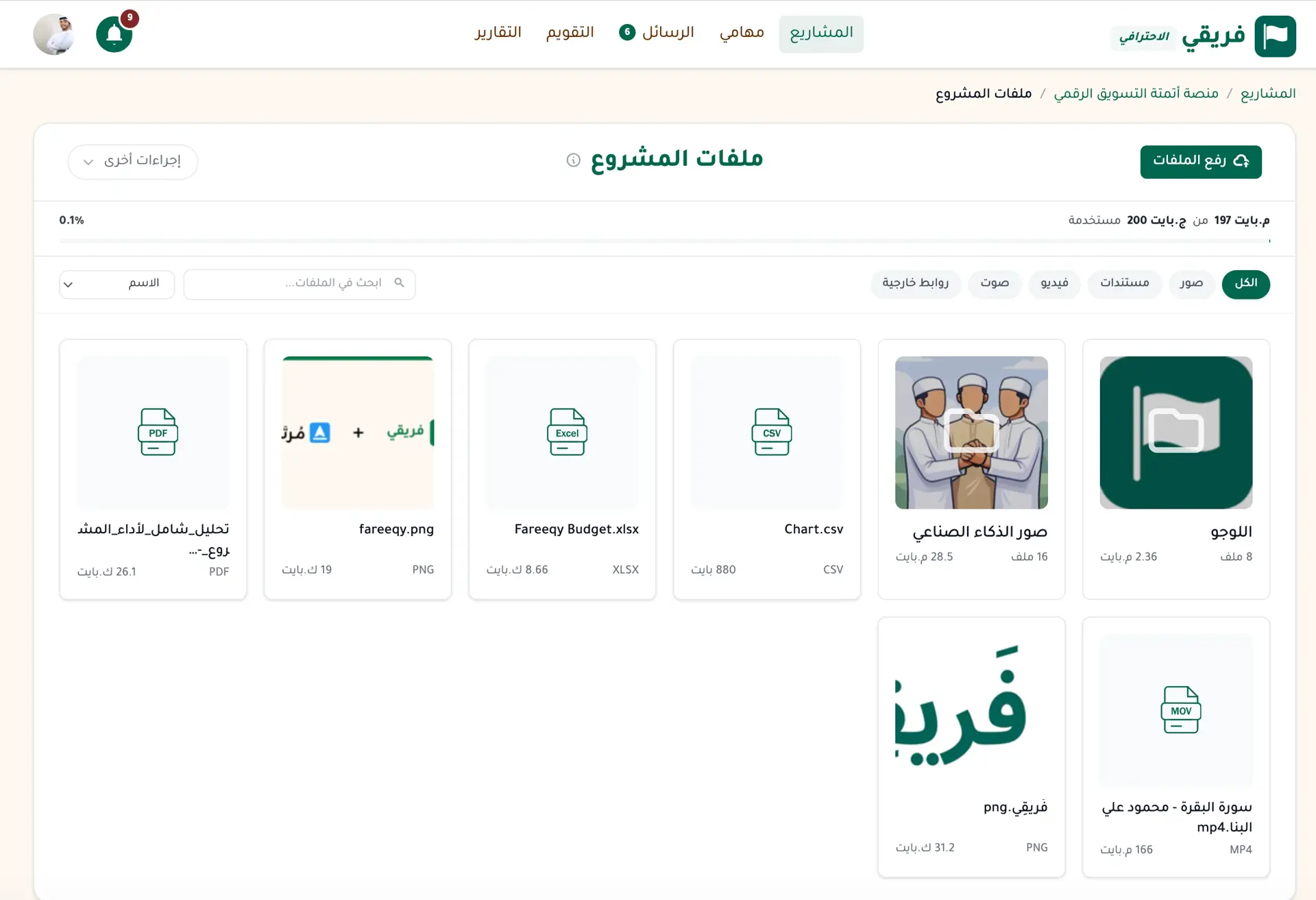
Don’t start from zero
Bring in your existing work from your current tool or an Excel file, and preview everything before anything is created. Importing is available on paid plans and during the 14-day free trial.
Start importingFind your next step in Arabic
When digital work piles up, ask: "What is overdue this week?" or "Summarise the Campaign Launch Majlis." On paid plans, Fareeqy Assistant reads the real state of work within your permissions, then prioritises, plans, analyses, summarises, and acts in Arabic. Instead of chasing updates, you know what is happening and what to do next.
One question, answered from your digital workspace
What is overdue this week? And draft a task list for our digital campaign launch
- Read 4 active projects
- Found 3 overdue tasks
- Drafted the campaign launch task list
- Waiting for your confirmation
Try asking it
- “Prioritise my tasks and tell me what to do today”A clear next step for today's work
- “Plan my tasks this week and set their deadlines”A digital weekly plan with clear deadlines
- “Analyse Campaign Launch: are we on time or late, and why?”A clear verdict backed by late and blocked tasks
- “Summarise the Campaign Launch Majlis”Documented decisions and follow-up tasks
Answers From Your Work
No guessing and no generic advice. It reads your digital projects, tasks, and Majlis within your permissions, then returns an answer you can act on.
Speak Instead of Typing
Make the move easier by speaking in your Arabic dialect, then send immediately or review and edit the transcript before sending.
Review or Execute Instantly
Reads flow freely, while writes wait on an editable approval card by default and run once you approve. Instant Execution skips the card. It cannot delete.
Enable Your Whole Team
Open it to your whole team in one click without raising the current seat bill, and delegate administration through a dedicated permission.
What Teams Say About Going Digital with Fareeqy
One of the nicest, most pleasant experiences I've had managing teams. Fareeqy stands out for being simple, easy, and uncomplicated.
And the most important feature is scheduling your work and tasks around prayer times, not the other way around!Honestly, I love using Fareeqy,
First, the project organization part, and its reminders if there are overdue tasks.
Fareeqy is easy and straightforward. I don't need to read or watch any video to know how to use any feature; everything is straightforward, and that's what makes me like Fareeqy most.I like that the project is "authentically Arabic," and that the interface is easy and simple, focusing only on what matters.
The platform reframes and redefines task management apps in line with our Arab culture.
Honestly, the project is no lower in quality than other global projects, and it's worth trying.Companies that chose Fareeqy to organize their work

 Fuqahaa Center


Your AI Assistant Advances Digital Work in Fareeqy with MCP
How often have you asked your AI assistant to organize digital work, then copied every step into another tool? With Fareeqy's MCP Server, ask it to create a project, fill a task list in one batch, or check what is due today. It works directly across your projects, tasks, files, and Majlis using your company timezone. The result is faster execution and a clear next step the team can act on without switching tools.
- Ask, then see it doneCreate a digital project, fill its task list in one batch, or check today's work. Your assistant completes the work inside Fareeqy.
- Control every toolChoose exactly which tools each token may use. Deletion stays off by default and is enabled only when you deliberately allow it.
- Know every key actionEvery allowed, denied, or errored call is logged. Review each token's audit trail whenever you need to see how digital work was handled.
- Works with your AI toolsConnect ChatGPT, claude.ai, Claude Code, Codex, Cursor, or VS Code. Each assistant follows the member's existing Fareeqy role and permissions.
Create the website launch project, fill the launch week's tasks, then tell me what is due tomorrow
- Created the launch project
- Created the launch-week task list
- Added 8 tasks with deadlines
- Checked tomorrow's tasks
Works with the AI tools you already use
- ChatGPT
- claude.ai
- Claude Code
- Codex
- Cursor
- VS Code
Bring Fareeqy Into Claude and ChatGPT
Connect in seconds with no URL or key: in Claude, open Customize, then Connectors, then Discover; in ChatGPT, open Plugins. Then search for Fareeqy.
View the setup guideWhy Fareeqy for Your Team's Digital Transformation?
A secure Arabic workspace that makes digital work practical, clear, and easier for the whole team to adopt
Security for Digital Work
Your team's work travels through encrypted connections, and every file uploaded to the workspace is scanned for viruses before it becomes part of daily work.Roles & Access
Give people the access their work requires. On the Advanced plan, create custom roles and permissions that fit how your team operates.Data Stays Yours
The company owner can export a full copy of its data whenever needed, or delete the company after a clear confirmation step.Arabic Help
Contact us, then get Arabic-speaking support through WhatsApp or email whenever your team needs help.
Frequently Asked Questions
Start Your Team's Digital Move Today
Bring existing projects, tasks, files, and team communication into one workspace without starting from zero, then give everyone a clear view of progress and their next step.
- Free ForeverUnlimited users and one project, free forever
- One Free TrialTry any paid plan for 14 days, with no card
- Bring Your WorkImport your existing work on a paid plan or during the trial
- Arabic SupportGet help in Arabic through WhatsApp or email when needed
No credit card required • Ready in seconds
Join the Fareeqy community on Telegram: product updates, questions from teams making the same digital move, and conversations about clearer work and productivity.
Join the Fareeqy community (opens in a new window)