Keep Every Event on Track for Opening Day
Turn event project management into a clear plan for every phase, supplier, and owner. Keep conference planning and event team coordination moving toward opening time.
✓ Free Forever • ✓ No Credit Card • ✓ Ready in 2 minutes
How often does event week arrive with client approval still pending, a supplier contract unresolved, and registration equipment untested? The date will not move, but the details are scattered across messages, calls, and files.
Fareeqy does not sell tickets or handle registration, attendee check-in, venues, or seating. It manages the work that delivers the event: a project for each event, task lists for phases or workstreams, clearly owned tasks, Majlis for lasting decisions, and Fareeqy Assistant for delay analysis and prioritization.
The result? Everyone knows what must be finished, who owns it, and when it is due, so the event reaches opening time without critical details getting lost between suppliers.
How Fareeqy Maps to Event Operations
Give every layer of event delivery a clear home the team can rely on as opening time approaches.
A project can represent one conference, exhibition, gala, or workshop, a recurring event season, a client engagement, or an ongoing function such as partnerships.
- 2026 Annual Technology Conference
- Client Booth at the Construction Expo
- Entrepreneur Workshop Series
- Annual Partnerships and Sponsorships
Organize an event by phase, such as planning, contracting, setup, event day, and follow-up, or by workstream, such as stage, registration, and hospitality, or by each supplier package.
- Contracts and Client Approvals
- Stage, Sound, and Lighting
- Registration and Guest Reception
- Catering Supplier Package
Because the event date will not move, every task has one owner, one deadline, and one priority, making the work required before doors open unmistakable.
- Approve the lighting rig plan
- Confirm the final catering menu
- Test attendee badge printers
- Send the supplier load-in schedule
Majlis preserves decisions, approvals, supplier terms, and the event-day plan outside scattered chats, so the team retains the reasoning behind every call.
- Client decision on the stage design
- Supplier contract cancellation terms
- Contingency plan for delayed doors
- Lessons from registration congestion last time
Owners and managers maintain recurring event checklists centrally, while any member can apply the right list to a new project instead of rebuilding it under deadline pressure.
- Standard Event Checklist
- New Supplier Onboarding
- Run-of-Show Preparation
- Post-Event Report Preparation
The project Files tab becomes the reference point for floor plans, supplier contracts, sponsorship decks, and brand assets, with folders and external links to Google Drive and Dropbox.
- Venue Plan and Traffic Flow
- Sound, Lighting, and Catering Contracts
- Brand Guide and Screen Artwork
- Event Photography Folder Link
From Client Brief to Post-Event Review
Open the Event Project
Create a project for the conference, exhibition, or gala and bring in the delivery team. If the details are sensitive, make the project private and control member access.
Build the Delivery Plan
Apply your ready event checklist, then organize work by phase or by stage, registration, and hospitality workstreams. Give every task one owner, one deadline, and one priority.
Lock Down Supplier Decisions
Keep contracts, plans, and external links in project files, and preserve approvals and terms in Majlis. Share a public task or task-list link with any supplier who does not have an account.
Run the Final Countdown
Review urgent work, delays, and deadline changes before doors open. On event day, use Fareeqy from your phone to follow completion, comments, and files while moving around the venue.
Close and Learn
Review the activity log, delivery outcomes, and client feedback, then prepare the post-event report. Save the successful checklist as a template and copy the key Majlis topics when starting the next edition.
A Majlis That Preserves Event Knowledge
Event details change quickly, and a decision without context can return as an urgent question on event day. Alongside the seeded Announcement, Question, Idea, Update, and General Discussion categories, your team adds categories that preserve knowledge for this edition and the next.
Client Decisions and Approvals
Record what the client approved, what was declined, and why changes were made so the same debate does not return hours before delivery.
Supplier Contracts and Terms
Document each supplier's scope, delivery times, cancellation terms, and obligations the operations team must remember.
Event-Day Plan
Keep the day's sequence, handoff points, and contingency plans in a pinned reference the team can reach quickly.
Post-Event Reports
Preserve delivery outcomes, client feedback, and supplier issues so the review produces practical improvements.
Lessons from Previous Editions
Capture what worked, what failed, and what must start earlier next time so the team does not rely on incomplete memories.
An Assistant Built for the Opening-Day Countdown
Fareeqy Assistant freely reads projects, tasks, task lists, Majlis, files, and the calendar within your permissions to identify threats to opening time and prioritize team and supplier work. Type your request or speak it in Arabic; by default, any proposed write appears in an editable confirmation card and is saved only once you approve.
«Which overdue or urgent tasks could put Sunday's exhibition opening at risk?»
It returns the specific tasks, their owners, deadlines, and why each one threatens opening readiness.
«Create an event-day setup plan and assign each task to the right owner.»
It presents proposed tasks with titles, owners, and deadlines in a card where you can edit titles and notes before approval.
«Summarize the audio supplier's contract obligations and compare them with the remaining setup tasks.»
It connects contract terms to current tasks and highlights obligations that have not yet become clearly owned work.
«Write a PDF report summarizing delivery, delays, and lessons for the next edition.»
It delivers a private PDF inside the conversation, and it reaches project files only if you press the publish button.
Share event details with every partner
Repeatedly sending the programme or latest file to each client, sponsor or vendor consumes your event team's time. Give each relevant party a viewing link to the specific record they need, with no workspace invitation involved.
Event schedule
The client or vendor sees the event time, place and description on one page.
Partner asset folder
The sponsor or vendor browses the folder tree and files to find the published materials.
Event-day plan
The client sees preparation progress, every task, its owner, its due date and what remains before doors open.
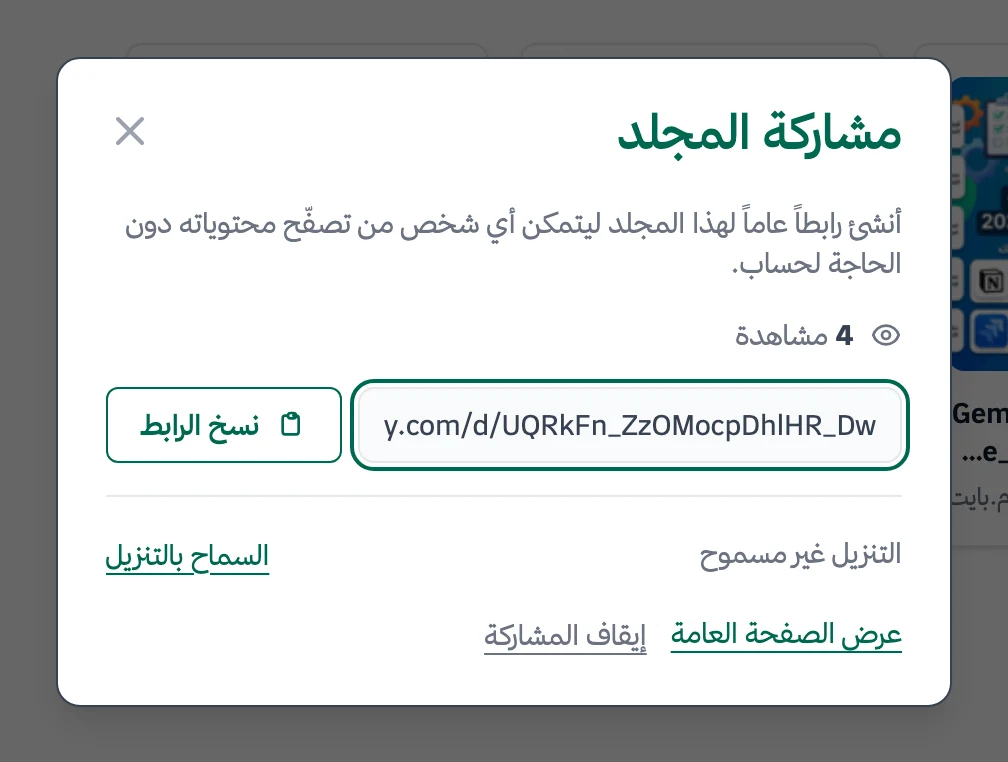
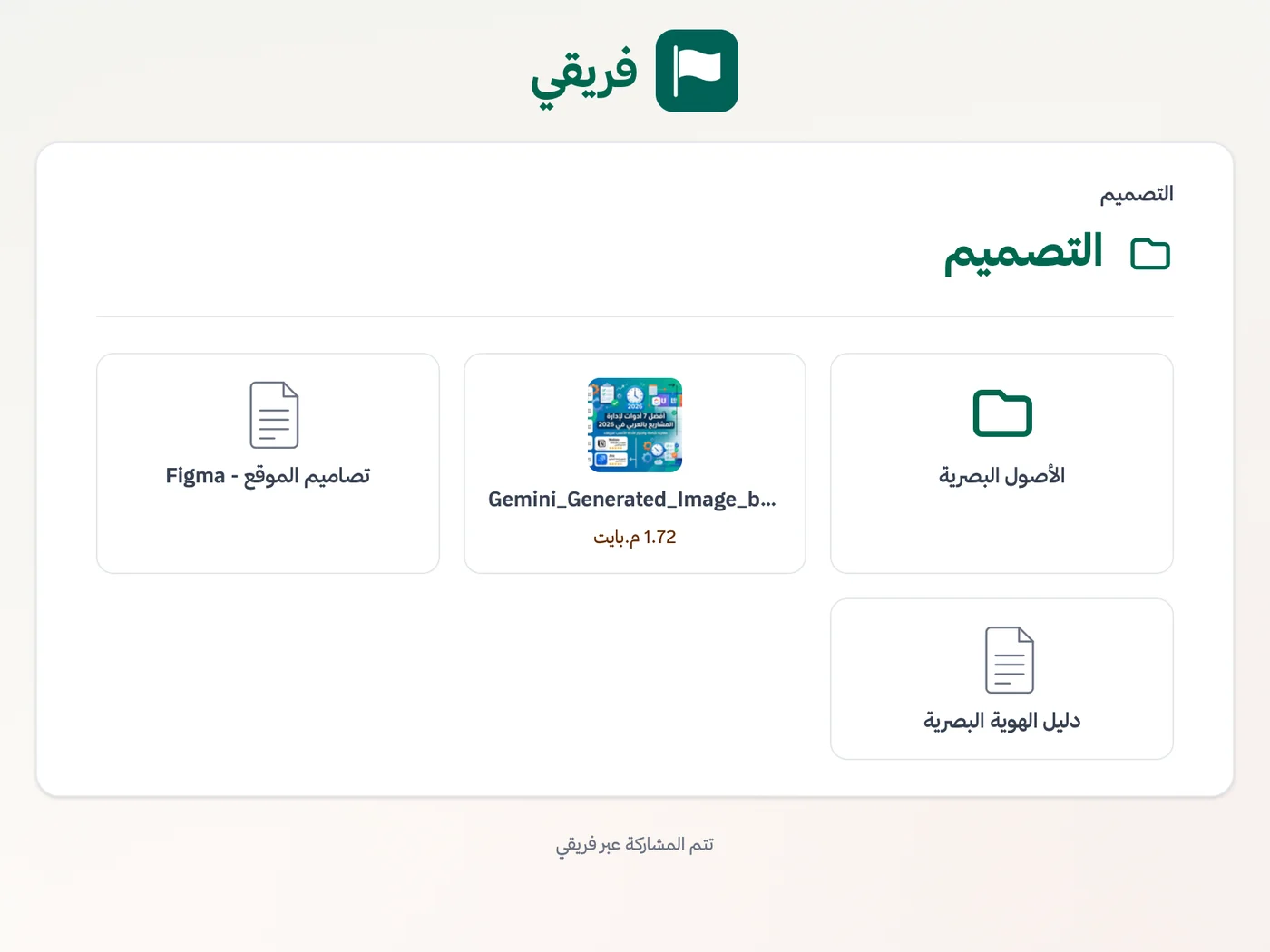
Allow or block partner-file downloads, hide event-plan comments, and stop the links as soon as the event ends.
What changes for event management
Other industries
Frequently Asked Questions
Does Fareeqy handle attendee registration or ticketing?
Can I reuse the same event checklist for every edition?
How do I coordinate suppliers who do not use Fareeqy?
Can my team use Fareeqy on phones during event day?
Is there a free plan for an event company?
Can I prepare an event report for the client?
How can a sponsor access partner files without joining the event workspace?
What Teams Say About Project Management with Fareeqy
One of the nicest, most pleasant experiences I've had managing teams. Fareeqy stands out for being simple, easy, and uncomplicated.
And the most important feature is scheduling your work and tasks around prayer times, not the other way around!Honestly, I love using Fareeqy,
First, the project organization part, and its reminders if there are overdue tasks.
Fareeqy is easy and straightforward. I don't need to read or watch any video to know how to use any feature; everything is straightforward, and that's what makes me like Fareeqy most.Start with your first project today
The Free plan lasts forever, and no credit card is required.
Get Fareeqy Free