Marketing Agency Projects Everyone Can See
Keep every client, campaign, and deliverable in one clear workspace. Give clients a public progress link without adding them to your workspace or charging them for a seat.
✓ Free Forever • ✓ No Credit Card • ✓ Ready in 2 minutes
Looking for In-house marketing teams instead? That is a separate page. This one is for Marketing agencies.
How often does your week begin with a client asking, “Where are we?” while the account manager chases the designer, copywriter, and media buyer for an answer? The real problem is not one late campaign. It is the lack of a single view across every client, deliverable, and deadline.
Fareeqy brings project management for marketing agencies into the structure your team already understands: projects for accounts and campaigns, task lists for phases or deliverables, clearly owned tasks, Majlis topics for briefs and decisions, and Fareeqy Assistant for permission-aware analysis across the work.
The result? Your team knows what must ship today, agency leadership can see every account at once, and clients get a clear answer through one live link instead of another weekly status email.
How Fareeqy Maps to Agency Work
Turn the way your agency already delivers work into a structure that account managers, specialists, and clients can understand immediately.
A project can be a long-running client account, a defined campaign, or an internal agency initiative; custom project categories separate client work from internal work or group accounts by service line.
- Client account: Al Saha Restaurant
- Nabd App launch campaign
- Q3 performance campaign
- Agency brand refresh
Organize a campaign with one list per phase, make each deliverable its own list with the production steps inside it, or use a monthly list on retainer accounts so reporting follows the work naturally.
- Research and strategy
- Launch video: script, shoot, edit, localized versions, and review
- September content
- Measurement and monthly report
Every ad, design, or copy deliverable has one owner, one deadline, and one priority set by its place in the list, closing the handoff gaps between designers, copywriters, and media buyers.
- Write the launch video script
- Design retargeting ad variants
- Set up the campaign audience
- Review the English version before publishing
Majlis documents creative briefs, dated client approvals, feedback rounds, performance write-ups, and campaign ideas, so a buried message cannot reopen a decision weeks later.
- Ramadan campaign creative brief
- Dated approval of version two
- Third-round feedback on the launch video
- Monthly performance report
- Seasonal campaign idea bank
Build a repeatable workflow once or save a proven task list as a template, then apply it to any client project with its tasks ready to assign; owners and managers maintain the library while any member can use it.
- New client onboarding
- Standard campaign launch
- Monthly social content cycle
- Monthly reporting workflow
The project Files tab keeps brand assets, final exports, media plans, and links to Drive, Dropbox, design files, and ad accounts close to the work, ending the repeated hunt for the current source.
- Brand guidelines
- Final export folder
- Approved media plan
- Design file and ad account links
Agency Task Management from Brief to Report
Set Up the Account
Create a private project for the client account or a separate project for the campaign, then control which team members can access it. Use project categories to separate client work from internal work or group accounts by social, performance, or content services.
Start with a Proven Workflow
Apply a ready task list for onboarding, campaign launches, or the monthly content cycle. Its tasks appear inside the project, so repeatable steps do not disappear between accounts.
Give Every Deliverable an Owner
Turn scripts, designs, ad setup, and reviews into tasks with one owner, one deadline, and one priority each. When an urgent client request arrives, slot it visibly into the work instead of quietly derailing the month.
Share Live Client Progress
Publish a delivery list or a single task as a public link showing what is complete, what remains, who owns each task, and when it is due, with no account or workspace seat required. Comments stay hidden unless you expose them, and you can stop sharing and later restore the same link.
Review Every Client Together
Use project, team, department, and company reports to see what shipped and what slipped across accounts. On Advanced and above, scheduled email reports give agency leadership a consistent view before the weekly review.
The Agency Memory That Outlives the Chat
An approval buried in chat cannot protect the team when the decision is challenged three weeks later; Majlis keeps the context, decision, and date inside the client project. Your team adds agency-specific categories on top of the seeded Announcement, Question, Idea, Update, and General Discussion categories.
Creative Briefs
Capture the campaign objective, audience, message, and constraints in one reference for everyone involved in production.
Client Decisions and Approvals
Record what the client approved, when they approved it, and which version they meant so settled decisions stay settled.
Feedback Rounds
Keep each feedback round and its revision context together so the team can act without conflicting messages.
Monthly Performance Reports
Preserve monthly results, interpretation, and recommendations so the account’s progress remains reviewable.
Campaign Idea Bank
Store creative angles, seasonal opportunities, and promising hypotheses so planning never starts from an empty page.
Fareeqy Assistant Sees Across Every Account
On Sunday morning, Fareeqy Assistant can freely read the projects, tasks, task lists, Majlis topics, files, and calendar available within your permissions, then surface lateness and delivery risks. By default, any workspace write happens once you approve it through an editable confirmation card, while documents it produces stay private in your conversation until you publish them yourself.
«Which client accounts have overdue deliverables or work at risk this week?»
It returns an account-by-account summary showing the task, owner, deadline, and reason for the risk from the work you can access.
«Prioritize today’s work across the urgent client request, launch campaign, and monthly report.»
It proposes a practical order based on priority, deadlines, and delivery impact without changing the tasks.
«Draft a monthly performance report for the restaurant account using the existing tasks and notes.»
It creates a PDF or Markdown document inside the conversation and keeps it private until you choose to publish it to project files.
«Turn the launch deliverables into tasks with an owner and deadline for each, ordered by priority.»
It presents the tasks with their owners and deadlines in an editable card where you correct titles and notes, then creates them once you approve.
Campaign visibility for clients
Messages and duplicate files pile up whenever a client asks about campaign progress or requests the latest creative. Send a viewing link to the record you selected, with no account creation or invitation required.
Campaign plan
The client sees campaign progress, tasks, owners and due dates. They know what is finished and what remains.
Creative assets folder
The client browses the folder tree and its files, finding the published creative assets in one place.
Campaign launch event
The client sees the launch time, place and description without asking your team for the same details.
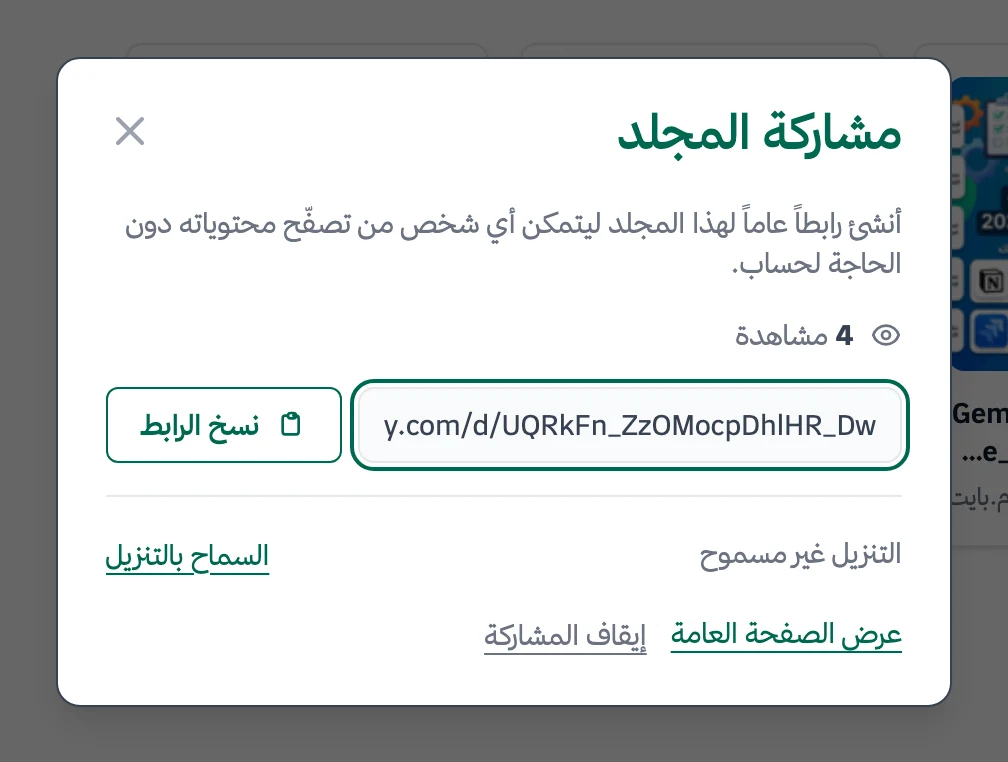
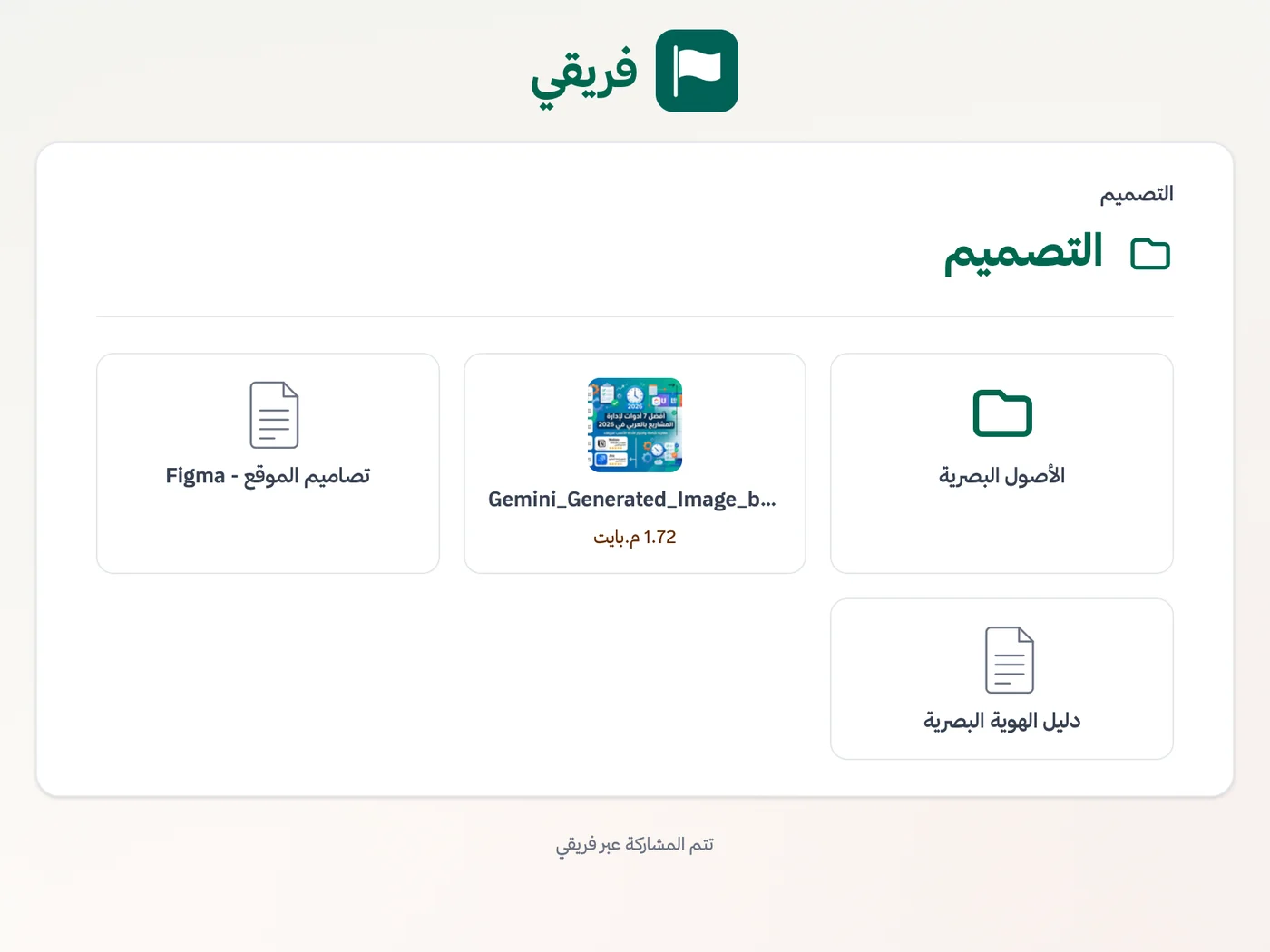
Allow or block campaign-asset downloads, keep plan comments hidden, and stop any link as soon as the engagement ends.
What changes for marketing agencies
Other industries
Frequently Asked Questions
Can clients follow progress without an account or paid seat?
Can we manage several clients in one workspace and keep their work separate?
Do we pay for a freelancer who joins for one campaign?
Does Fareeqy track time and billable hours?
What does a small agency get on the Free plan?
How does Fareeqy Assistant help on Sunday morning across several accounts?
How do I prevent a client from downloading campaign assets?
What Teams Say About Project Management with Fareeqy
One of the nicest, most pleasant experiences I've had managing teams. Fareeqy stands out for being simple, easy, and uncomplicated.
And the most important feature is scheduling your work and tasks around prayer times, not the other way around!Honestly, I love using Fareeqy,
First, the project organization part, and its reminders if there are overdue tasks.
Fareeqy is easy and straightforward. I don't need to read or watch any video to know how to use any feature; everything is straightforward, and that's what makes me like Fareeqy most.Start with your first project today
The Free plan lasts forever, and no credit card is required.
Get Fareeqy Free