Run Construction Projects Clearly from Site to Handover
Site task tracking that connects field instructions, subcontractors and consultants. Every task has one owner, one deadline and one priority.
✓ Free Forever • ✓ No Credit Card • ✓ Ready in 2 minutes
Looking for Real estate companies instead? That is a separate page. This one is for Construction and contracting.
How often has a handover date moved, only for the site engineer, subcontractor and consultant to disagree about who requested the delay? Field instructions scatter across calls, message threads and meeting minutes while an inspection or payment application approaches without a reliable view of the work.
Fareeqy organizes each contract or phase as a project, breaks delivery into task lists and turns site instructions into owned tasks. Majlis preserves decisions and documentation, while Fareeqy Assistant reads projects, tasks, lists, discussions, files and calendars within your permissions to summarize progress and analyze delays.
The result? You can see what slipped, who owns it, when its deadline changed and which decision shaped it, giving the office and site one traceable path to handover.
How Fareeqy Maps to a Construction Contract
Each level in Fareeqy maps directly to something your site and project teams already manage.
A project can represent a complete construction contract, one phase of a major development, a tender being prepared or an operational file for safety, maintenance or claims.
- Office building construction contract
- East tower fit-out phase
- Warehouse expansion tender
- Project claims file
A task list can follow a delivery stage, a building, floor or zone, or a subcontractor package, with a clear name and rich details defining its scope.
- Mobilization and temporary works
- Building A civil works
- Floor 3 finishes
- Electrical subcontractor package
A site instruction trapped in a phone call is not trackable; give it one assignee, one deadline and one priority, attach its notes and evidence, and use the activity log to see who moved the date when handover slips.
- Approve the Floor 3 tile sample
- Close the west-scaffold safety observation
- Release HVAC openings to the MEP team
- Prepare the monthly payment application documents
Majlis is the project's discussion and documentation record, keeping change decisions, site minutes, safety reports and claim updates in context instead of losing them across chat threads.
- Decision on an alternative waterproofing material
- Consultant coordination meeting minutes
- Loading-zone safety incident report
- Extension-of-time claim status
When a site procedure repeats, an owner or manager can build it once or save an existing list in one click, then any member can apply the centrally managed template to create ready tasks in a project.
- Site handover checklist
- Safety inspection round
- Subcontractor onboarding
- Fit-out phase closeout
The Files tab keeps drawings, specifications, material approvals, contracts and external links close to the work; Fareeqy is not BIM or estimating software, does not perform quantity take-offs, bills of quantities, cost control or critical-path scheduling, and does not open drawings.
- Latest issued-for-construction drawing set
- Material submittal folder
- Subcontractor contracts
- Google Drive and Dropbox links
A Clear Project Week from Assignment to Review
Open the contract workspace
Create a project for the contract, major phase or tender, then place it in a manager-created category such as Active Delivery or Bids. Make it private when it contains contracts or claims, and limit access to the members who need it.
Break down the delivery scope
Build lists around mobilization, civil works, finishes and handover, or organize them by building, zone and subcontractor package. Apply a ready safety-inspection or subcontractor-onboarding list instead of rebuilding the procedure for every project.
Turn instructions into ownership
Turn every field instruction into a task with one assignee, one deadline and one priority, then add the necessary notes and attachments. If its date moves, the activity log shows who changed it and when.
Document the site decision
Post meeting minutes or a change decision in the right Majlis category, choosing whether to notify the full project, selected people or no one. Pin the important topic, subscribe to replies or keep it as a draft until it is ready.
Review and hand over
At week's end, the manager reviews the dashboard and project reports while each member sees private personal tasks beside team work in My Tasks. For an inspection, share a task list, single task or Majlis topic through a public link that shows completed work, remaining items, owners and deadlines without requiring a Fareeqy account.
A Majlis That Preserves the Site Record
Construction projects run for months or years, so the reason behind each change and the outcome of each meeting must remain easy to retrieve. Every new project starts with Announcement, Question, Idea, Update and General Discussion, then the team adds its own named categories with matching emoji.
Change decisions and approvals
Record the change request, alternatives and final decision, then attach the formal approval reference so the team can see what was agreed and why.
Site and consultant meeting minutes
Keep attendees, discussion points and resulting actions together so verbal site notes do not become later disputes.
Safety and incident reports
Document the observation or incident, evidence, corrective action and required follow-up so the response remains clear.
Payment applications and claims status
Track what was submitted, what the consultant returned and which document is outstanding so everyone understands why an application or claim is waiting.
Weekly site report
Bring progress, blockers, upcoming inspections and required decisions into a consistent topic the manager can review each week.
An Assistant That Understands Project Activity
Fareeqy Assistant reads the projects, tasks, lists, Majlis topics, files and calendar available within a member's permissions to surface delays and summarize the project. Reads run freely within those permissions, while writes appear in a live confirmation card you can edit and execute once you approve; the optional Instant Execution switch is off by default, and deletion is never available.
«Which handover items are late this week, and who owns each one?»
It returns a prioritized snapshot showing each task, its owner, deadline and priority from the current project data.
«Summarize the consultant decisions and open questions since the last site meeting.»
It reads the relevant Majlis topics and returns the decisions, unresolved questions and people involved in one concise summary.
«Turn today's meeting minutes into tasks and put the safety items at the top of the list.»
It presents an editable confirmation card with proposed tasks, each carrying one assignee and deadline, the safety items first, then creates them once you approve.
«Write a PDF weekly report covering progress, delays and decisions needed.»
It creates a PDF inside the conversation right away, and it remains private to you unless you separately press the button to publish it to project files.
Share site progress with project owners
A project owner may need a progress update while a consultant or subcontractor is looking for the latest drawing. Provide the record on an external, view-only page that requires no invitation to the project workspace.
Construction stages
The project owner sees progress, every task, its owner, its due date, what is complete and what remains.
Site drawings
The consultant or subcontractor browses the folder tree and files to reach the published drawings.
Site inspection
The parties see the inspection time, place and description without repeated coordination calls.
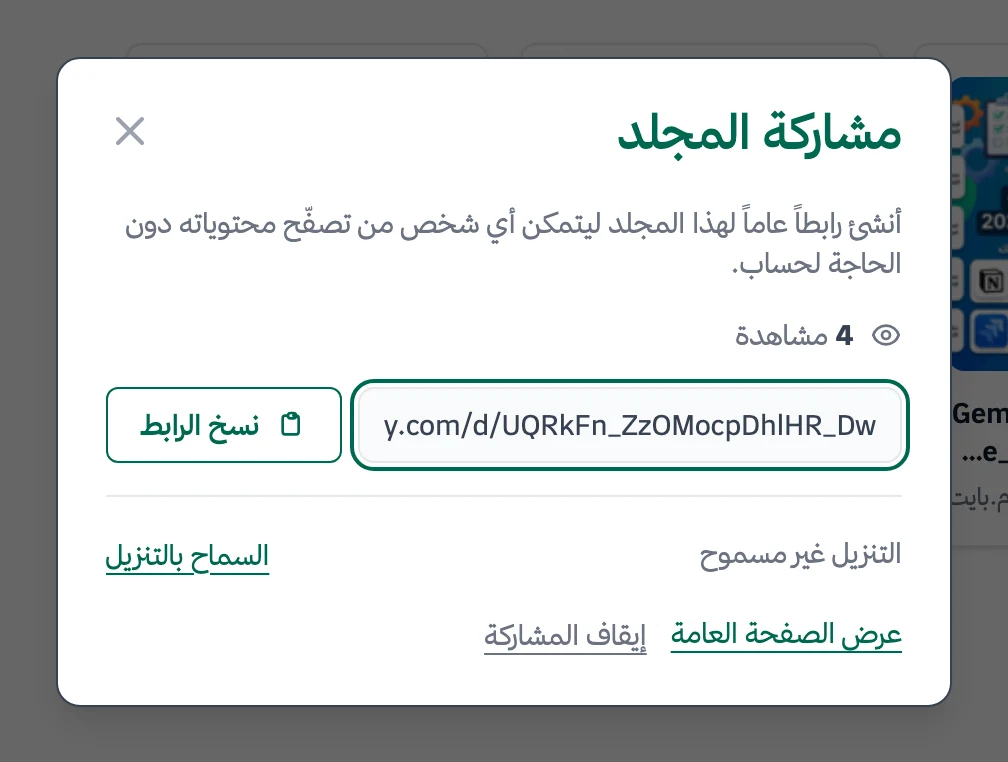
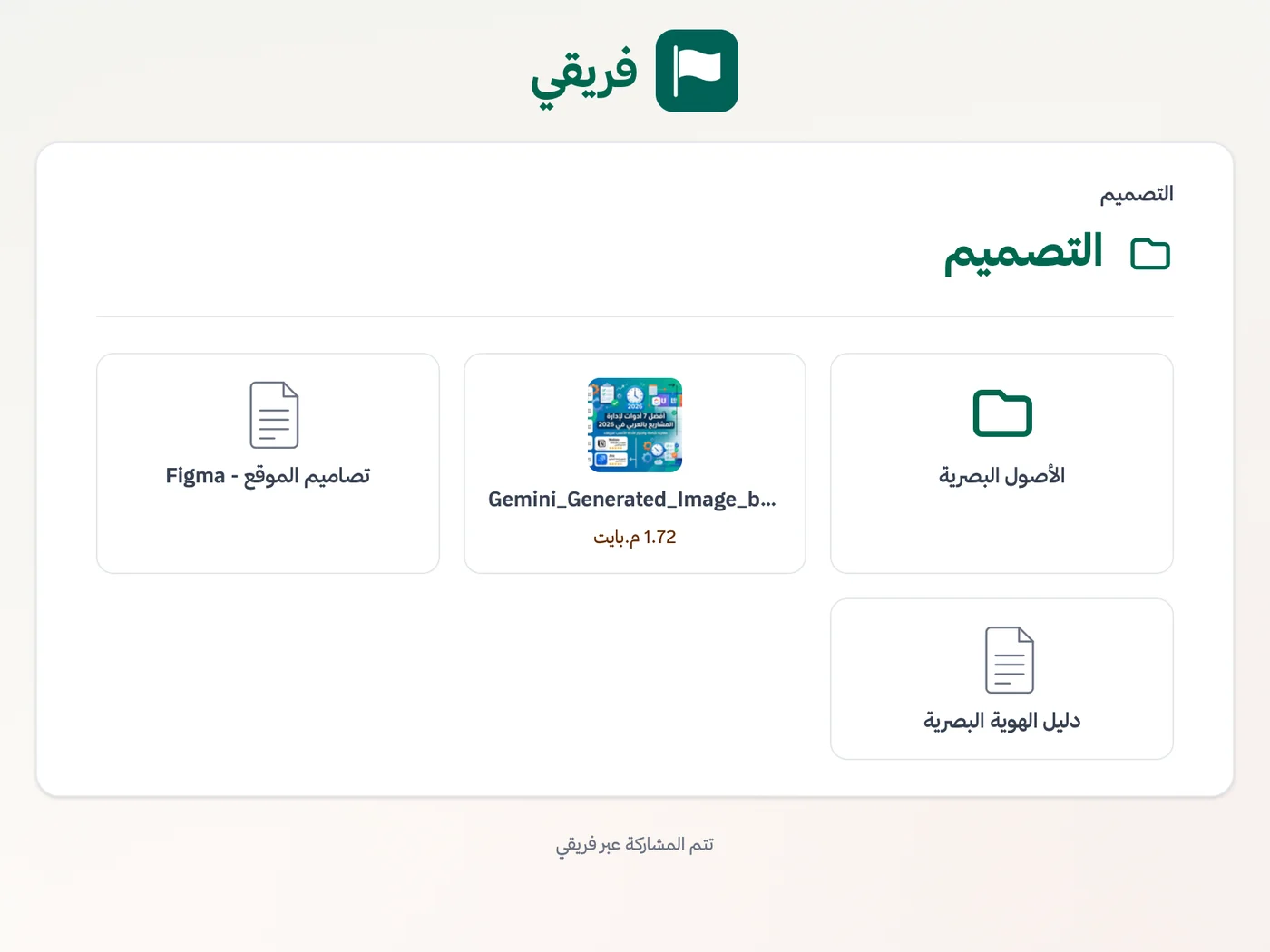
Block drawing downloads when needed, keep construction-stage comments hidden, and stop the link immediately if the sharing scope changes.
What changes for construction and contracting
Other industries
Frequently Asked Questions
Does Fareeqy replace critical-path scheduling software?
Can site engineers use Fareeqy on a phone?
How do I keep change-order approvals traceable?
How do I keep contracts and commercial files private?
What reports can the contracting company owner see?
Is the Free plan enough to test a construction project?
How can a consultant review site drawings without entering the project workspace?
How do I follow up subcontractors working remotely or on other sites?
How do I track maintenance and the defects-liability period after handover?
What Teams Say About Project Management with Fareeqy
One of the nicest, most pleasant experiences I've had managing teams. Fareeqy stands out for being simple, easy, and uncomplicated.
And the most important feature is scheduling your work and tasks around prayer times, not the other way around!Honestly, I love using Fareeqy,
First, the project organization part, and its reminders if there are overdue tasks.
Fareeqy is easy and straightforward. I don't need to read or watch any video to know how to use any feature; everything is straightforward, and that's what makes me like Fareeqy most.Start with your first project today
The Free plan lasts forever, and no credit card is required.
Get Fareeqy Free