Maintenance Team Task Management With Clear Ownership
Turn every maintenance request into a task with one owner, one deadline and one priority, from the first report through the completed visit.
✓ Free Forever • ✓ No Credit Card • ✓ Ready in 2 minutes
Looking for Operations teams instead? That is a separate page. This one is for Maintenance teams.
How often does a maintenance request arrive from a branch or client, then sit between a phone call and a message until everyone asks who owns it? A technician may reach the site, but the request, photos, visit report and repair decision remain scattered, leaving the supervisor unsure what finished and what still needs action.
Fareeqy turns every request or visit into a defined task inside the building, site or client-contract project. Each task has one owner, one deadline and one priority, while Majlis preserves fault decisions and approvals for extra work, and the Files tab keeps before-and-after photos and technician reports together.
The result? The supervisor sees overdue requests, each technician knows the next step, the client or building owner can follow progress, and every visit leaves a clear record instead of another search through messages.
How Fareeqy Maps to Maintenance Work
Fareeqy maps buildings, inspection rounds and service requests to a clear task-tracking structure without trying to replace your maintenance system.
A project can represent a building, facility, branch, client maintenance contract or a separate monthly maintenance file.
- Head office building maintenance
- Eastern Region warehouse facilities
- Al Noor client maintenance contract
- October maintenance file
A task list groups work by building, floor or trade such as electrical, plumbing or HVAC, or holds one month's inspection round or a batch of client requests.
- Building A electrical work
- Floor 2 plumbing
- October inspection round
- Al Noor client request batch
A task represents one maintenance request or visit. It has one assignee, one deadline and one priority defined by its position in the list, which you move up or down rather than label low or urgent. Rich notes and attachments hold the details, while the activity log records who created, assigned, rescheduled, edited, completed or reopened it, and when.
- Inspect the Floor 2 water leak
- Visit the HVAC unit at the Jeddah branch
- Replace the lighting-panel breaker
- Close the warehouse door repair request
Majlis keeps each fault and decision in context: what happened, which repair options were discussed, what the client approved and what the next shift needs to know.
- Decision to repair or replace the pump
- Client approval for extra work
- Safety note before electrical isolation
- Open-fault handover to the next shift
An owner or manager builds an inspection checklist once, or saves an existing list as a template in one click, then any member applies it inside a project whenever the next round begins.
- Monthly inspection round
- New maintenance site onboarding
- Pre-summer HVAC inspection
- Client maintenance contract kickoff
The Files tab keeps before-and-after photos, technician reports, equipment manuals, warranty documents and Google Drive or Dropbox links. Fareeqy is not a CMMS: it does not keep an asset register, generate preventive-maintenance schedules from meter readings or asset hours, issue formal work orders, or manage spare-parts inventory. Keep a specialized system if you need those functions, and use Fareeqy to assign and follow up the work.
- Before-and-after fault photos
- Technician visit report
- Equipment manuals and warranty documents
- Google Drive and Dropbox links
A Clear Path from Maintenance Request to Completion
Define each site or contract workspace
Create a project for the building, branch, site or client contract, and make it private when it contains sensitive information. A manager can group projects into categories by region, client or facility type.
Organize work the way the team does it
Build lists by building, floor, electrical, plumbing, HVAC or client request batch. For a monthly round, apply a ready task list instead of rewriting every inspection item.
Turn the request into owned work
Record each request or visit as a task with one assignee, one deadline and a priority defined by its position in the list. Add the fault description and attachments, while the activity log preserves who moved the deadline or reopened the task.
Complete the visit and document the decision
The technician sees assigned team work beside private personal tasks in My Tasks, then adds notes, photos and the visit report to the task or Files. If the fault needs a decision, post it in Majlis and notify the full project, selected people or no one.
Review progress and share what matters
Review project, team, department and company reports to see what finished and what slipped. When a client or building owner needs an update, share the request list, photo folder or visit event through a view-only public link without adding them to the project.
A Majlis That Preserves Every Maintenance Decision
Closing a request is not enough if the fault cause or repair decision disappears. Every new project starts with Announcement, Question, Idea, Update and General Discussion, then your team adds maintenance-specific categories with a name and emoji.
Fault diagnosis and repair decisions
Document the fault symptoms, checks performed, available options and final repair decision so the next technician does not restart the diagnosis.
Client approvals for extra work
Keep the out-of-scope work description, its reason and the client's approval reference before turning the approved action into a trackable task.
Safety and isolation notes
Record site hazards, access requirements, isolation steps and required action before a visit begins or equipment returns to service.
Shift handover
Collect open requests, temporary fixes, awaited parts and next actions so the incoming shift takes over without a gap.
Site and branch inspection findings
Summarize inspection findings, required follow-up and completed items so the supervisor can review each building or branch.
An Assistant That Surfaces the Next Maintenance Action
Fareeqy Assistant is available on Pro and above, not on Free. It freely reads projects, task lists, tasks, Majlis, files and the calendar within the member's permissions to prioritize requests and analyze lateness. For task creation or updates, it requires your approval by default through an editable confirmation card where you can correct the title or notes before you approve. Instant Execution is off by default, and deletion is never available.
«Which maintenance requests are overdue this week, and who owns each one?»
It returns a prioritized list showing each request, its owner, deadline and priority, with the items that need your attention first.
«Summarize the HVAC fault decisions and client approvals since the last visit.»
It reads the relevant Majlis topics and tasks, then brings diagnoses, decisions, approvals and open questions into one summary.
«Turn the Al Noor building visit report into tasks and move the elevator issue to the top.»
By default, it presents an editable confirmation card with the proposed tasks, owner and deadline for each, placing the elevator issue first, then creates them once you approve.
«Write a monthly PDF report on completed requests, overdue work and repair decisions.»
It creates the PDF inside the conversation without an approval card. The document stays private to you and reaches project files only if you press the separate publish button.
Share Maintenance Progress with Clients and Building Owners
When an external party needs an update, send a dedicated view-only public link instead of inviting them into the project workspace. They can open it without an account while the rest of the site and team data stays outside its scope.
Maintenance request batch
The client sees progress, every task, its owner, due date, completed work and remaining items.
Visit photos and technician reports
The building owner browses the folder tree to reach the published before-and-after photos and reports.
Maintenance visit
The client sees the visit time, place and description without repeated coordination calls.
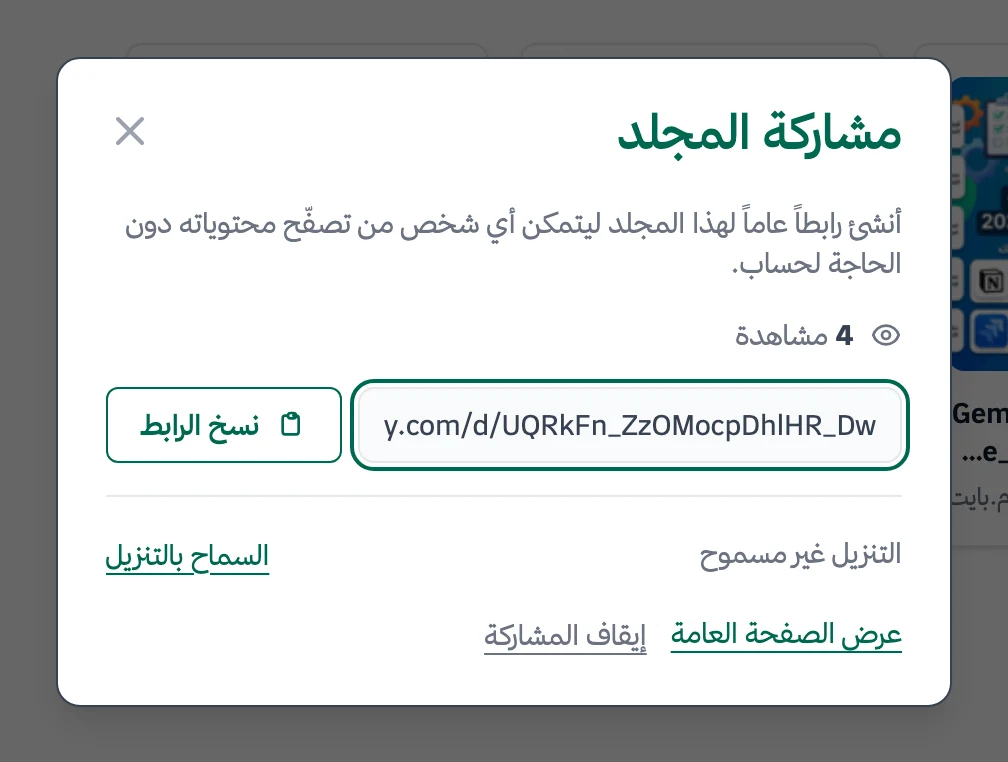
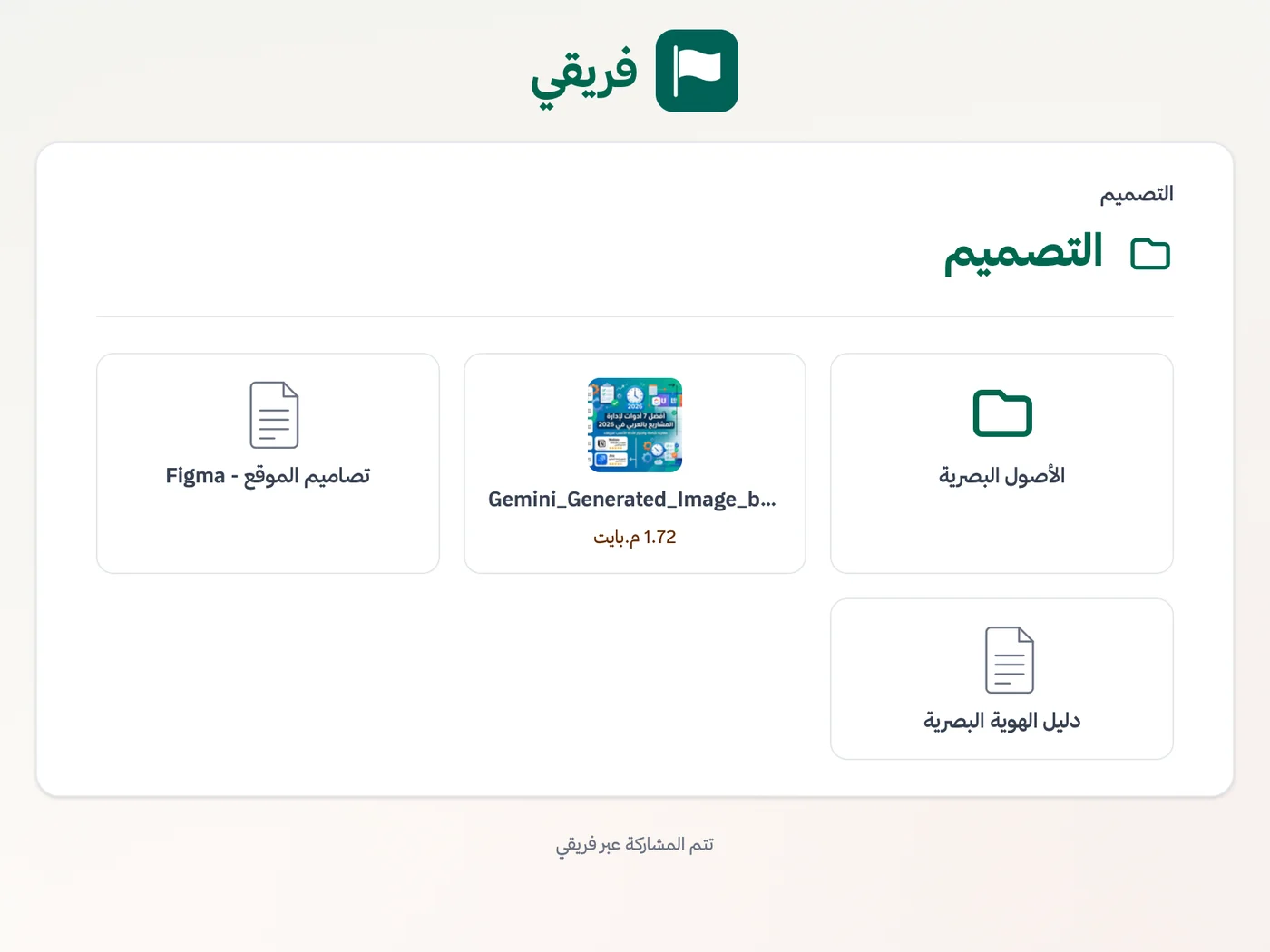
Disable downloads for the folder and its entire tree when needed, keep request-list comments hidden unless you choose to publish them, and stop sharing at any time. Republishing restores the same link.
What changes for maintenance teams
Other teams
Frequently Asked Questions
Is Fareeqy a CMMS for maintenance management?
How do I organize periodic maintenance rounds every month?
Can technicians use Fareeqy on a phone and while offline?
Can I share maintenance progress with a client or building owner without an account?
How can I track the time spent on each maintenance visit?
Is there a free plan for maintenance teams, and where does pricing start?
How do I protect the privacy of client sites and maintenance files?
What Teams Say About Project Management with Fareeqy
One of the nicest, most pleasant experiences I've had managing teams. Fareeqy stands out for being simple, easy, and uncomplicated.
And the most important feature is scheduling your work and tasks around prayer times, not the other way around!Honestly, I love using Fareeqy,
First, the project organization part, and its reminders if there are overdue tasks.
Fareeqy is easy and straightforward. I don't need to read or watch any video to know how to use any feature; everything is straightforward, and that's what makes me like Fareeqy most.Start with your first project today
The Free plan lasts forever, and no credit card is required.
Get Fareeqy Free