Bring Clarity to Internal IT Operations
Bring access requests, device setup, maintenance, and migrations into one clear workspace. Every task gets one owner, one deadline, and one priority.
✓ Free Forever • ✓ No Credit Card • ✓ Ready in 2 minutes
Looking for Software teams instead? That is a separate page. This one is for IT teams.
How often does your week begin with an outage, a new employee waiting for access, an overdue security update, and a migration deadline closing in? Support requests live in the helpdesk, spreadsheets, and chat, leaving the next action and its owner unclear. If your team builds software products for customers, the software teams page is the better fit.
Fareeqy turns departmental work into projects, task lists, and tasks, supported by Majlis and Fareeqy Assistant. You can organize a migration or an ongoing function such as technical support, divide it by system, site, or migration wave, then give every task one owner, deadline, and priority. Fareeqy is not a ticketing or helpdesk system, and it does not provide SLA timers, a CMDB, or system monitoring; it manages the project and task side of IT work and keeps its decisions documented.
The result? You know what needs attention now, who owns it, and what changed, while infrastructure, security, and access initiatives move forward without steps disappearing between tools.
How Fareeqy Maps to Internal IT Work
Map IT project management to how your department actually operates, from the wider initiative to the next executable task.
A project is a system rollout or migration, an infrastructure improvement, a security or compliance initiative, or an ongoing function such as technical support or device management.
- Microsoft 365 email migration
- Head office network upgrade
- Quarterly access review program
- Internal technical support
A task list can represent one system or site, one migration wave with cutover and rollback steps, or a month of recurring maintenance work.
- Identity and access systems
- Alexandria branch site
- Finance department migration wave
- September server maintenance
A task turns an access request or patch into a clear commitment with one owner, one deadline, and a priority that separates an outage from routine work, while its activity log records who changed the deadline or owner, and when.
- Revoke a departing employee's access before 5:00 PM
- Apply the security patch to the HR server
- Prepare a laptop and multifactor authentication for a new employee
- Test restoration of the database backup
Majlis keeps infrastructure decisions, incident reviews, migration plans, and access policies beside the project so their reasoning and context survive beyond chat.
- Backup provider decision
- Network outage post-incident report
- Email migration and rollback plan
- Vendor access policy
Ready task lists turn procedures that cannot afford a missed step into reusable templates, giving every new case a consistent starting point.
- New employee account and device setup
- Departing employee access closure
- Server maintenance window
- Recurring security review
Files keep operational references beside the work that depends on them, using project folders and external Google Drive or Dropbox links when documents remain in existing repositories.
- Network diagrams
- Vendor runbooks
- Security and access policies
- Recovery plans and document repository links
A Clear Week for the IT Department
Capture and Triage
The week brings an outage, access requests, device setup, and planned maintenance. Capture work that needs follow-through in the right projects and use priority to separate routine requests from urgent disruption.
Build an Executable Plan
Split a migration into lists by wave, organize support by system or site, or create a list for the month's maintenance. Within each list, turn cutover, validation, and rollback points into clear tasks.
Set Ownership and Timing
Give every access request or patch one owner, one deadline, and one priority. The team can see who owns the next step, while activity history preserves assignment and deadline changes.
Execute and Document Context
Track completion and comments within tasks, and keep diagrams, runbooks, and external links in project files. Record infrastructure decisions or rollback plans in Majlis so context remains available during and after execution.
Review and Improve
At week's end, review overdue work, blockers, and deadline changes, then ask Fareeqy Assistant for a status summary. Save onboarding, offboarding, maintenance, and security review procedures as ready task lists so the next cycle starts without missing steps.
An Operational Memory That Outlives Chat
IT teams need to preserve why a decision was made, not only what was decided, because incidents, migrations, and reviews raise the same questions later. Every Majlis starts with Announcement, Question, Idea, Update, and General Discussion, and the team can add categories tailored to its work.
Infrastructure Decisions
Record the selected approach, alternatives considered, and decision rationale so the same debate does not restart with every change.
Post-Incident Reports
Document what happened, the root cause, recovery steps, and preventive actions so every incident leaves a useful record.
Migration and Rollback Plans
Keep the migration sequence, cutover window, validation checks, and rollback triggers clear before changes reach production systems.
Access and Permission Policies
Capture access rules, required approvers, and review frequency so sensitive requests follow a consistent standard.
Weekly Status Report
Summarize completed work, blockers, current risks, and next week's plan so stakeholders share the same picture.
An Assistant That Understands Your IT Context
Fareeqy Assistant freely reads projects, tasks, task lists, Majlis, files, and the calendar within the member's own permissions, then analyzes delays, prioritizes work, and summarizes status. For writes, it shows an editable confirmation card by default and proceeds once you approve; optional Instant Execution can skip the card, while deletion remains unavailable in either mode.
«Which support tasks are overdue, and what could put this week's email migration at risk?»
It returns the relevant tasks with their owners, deadlines, priorities, and the reason each one presents a risk.
«Analyze the network upgrade delay and identify the current bottleneck.»
It connects overdue tasks, deadline changes, and notes to produce a practical summary of what is blocking progress.
«Create the tasks for Thursday evening's server maintenance window and put the urgent ones at the top.»
It prepares an editable confirmation card with titles, assignees, deadlines, and the urgent work first, then creates the tasks once you approve in the default mode.
«Write a private PDF report about the network outage using the project notes.»
It creates the report privately inside the conversation, and it reaches project files only if you publish it yourself.
Technical evidence without internal access
Do not grant an external auditor or support contractor access to the team environment just to provide approved evidence or a scope of work. Publish non-confidential material on a separate read-only page and share its public address while sensitive items remain internal.
Remediation plan
The vendor sees remediation progress, every task, its owner, its due date, what is complete and what remains.
Support scope
The support contractor previews the published scope in the browser, reducing mismatched expectations.
Approved audit evidence
The auditor browses the approved evidence folder and its files without seeing the team's other records.
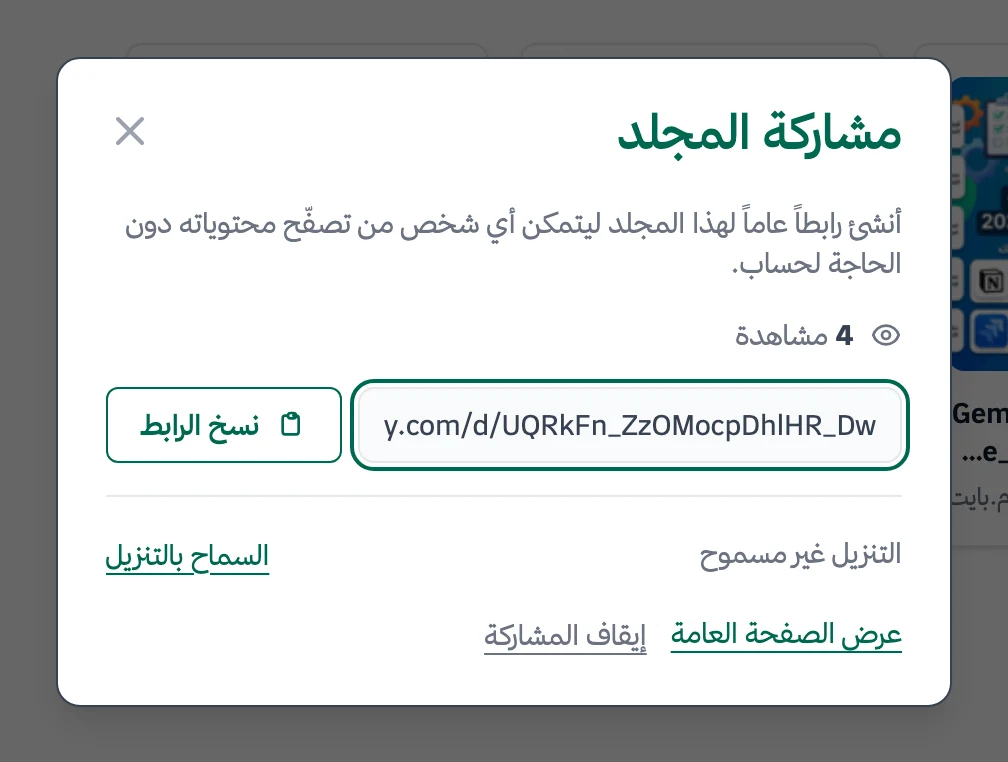
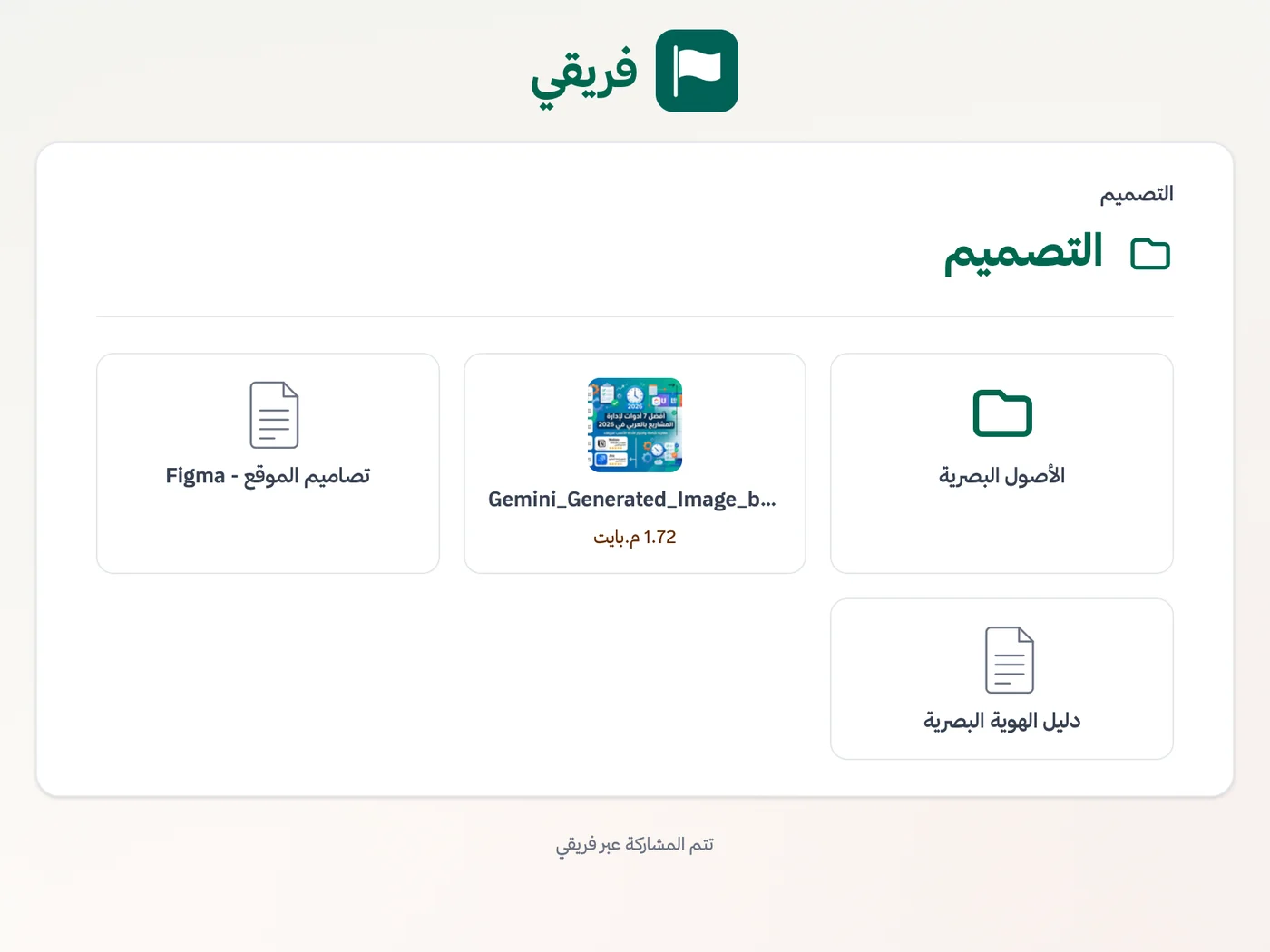
Disable audit-evidence downloads when needed, keep remediation-plan comments hidden, and stop the link immediately after the review.
What changes for it teams
Other teams
Frequently Asked Questions
Does Fareeqy replace a helpdesk or ticketing system?
Can I create employee onboarding and offboarding checklists?
Can I restrict a sensitive security project to specific people?
Does Fareeqy provide a REST API and MCP server for IT automation?
Is the task activity log suitable for audit reviews?
Can our IT department try Fareeqy for free?
How do I give an external auditor evidence without exposing the IT workspace?
What Teams Say About Project Management with Fareeqy
One of the nicest, most pleasant experiences I've had managing teams. Fareeqy stands out for being simple, easy, and uncomplicated.
And the most important feature is scheduling your work and tasks around prayer times, not the other way around!Honestly, I love using Fareeqy,
First, the project organization part, and its reminders if there are overdue tasks.
Fareeqy is easy and straightforward. I don't need to read or watch any video to know how to use any feature; everything is straightforward, and that's what makes me like Fareeqy most.Start with your first project today
The Free plan lasts forever, and no credit card is required.
Get Fareeqy Free