In-House Marketing That Moves From Brief to Results
Organize campaigns, the content calendar, and leadership requests in one workspace. Every asset has a clear owner, publish date, and priority.
✓ Free Forever • ✓ No Credit Card • ✓ Ready in 2 minutes
Looking for Marketing agencies instead? That is a separate page. This one is for In-house marketing teams.
How often does a tidy content calendar unravel after an urgent CEO request changes the brief, the designer keeps working from an old version, and the copywriter waits for approval that never arrives? This page is for an in-house team serving its company’s single brand. If you run an agency serving multiple clients, the marketing agencies page is the better fit.
Fareeqy turns in-house marketing project management into clear projects, task lists built around phases or months, and one task per asset with a single owner, deadline, and priority. Majlis preserves briefs and decisions, while Fareeqy Assistant reads and analyzes the work available within your permissions.
The result? Designers know what to produce, writers know what has been approved, media buyers know when creative is ready, and leadership sees progress it can trust.
How Fareeqy Fits Your Marketing Department
Effective marketing team task management should mirror how work actually moves from campaign plan to published asset.
A project is a defined campaign, an always-on marketing program, a brand initiative, or the quarter plan connecting team goals to execution.
- New product launch campaign
- Q4 content and social program
- Brand identity and website refresh
- Next quarter’s marketing plan
Use task lists for campaign phases, treat each list as one deliverable with its production steps, or create a monthly list for an always-on content calendar.
- Launch phases: research, production, scheduling and publishing, measurement
- Product video: script, shoot, edit, approval
- October content
- Monthly performance report
A task is one asset or handoff with one assignee, one deadline, and one priority, preventing work from disappearing between design, copy, and media while separating urgent CEO requests from the planned month.
- Write the launch page copy
- Design the vertical ad creative
- Review the email sequence before send
- Hand approved creative to the media buyer
Majlis is the team’s durable record of creative briefs, brand decisions, experiment results, and performance reports, so the reasoning behind a decision does not vanish in chat.
- Back-to-school campaign brief
- Approved core-message decision
- Landing-page A/B test result
- Monthly performance review
Save a repeatable marketing cycle as a centrally managed template, then create its tasks inside any project without rebuilding the production checklist.
- Monthly content cycle
- Product launch checklist
- Monthly performance report
- New-channel onboarding
Project files keep approved versions, reference assets, and external-tool links beside the campaign, eliminating the last-minute hunt for the right logo or latest deck.
- Brand guidelines and approved logos
- Design templates and source files
- Launch decks and briefs
- Google Drive and Dropbox links
From Weekly Plan to Measured Result
Define the Campaign Space
Start a project for the launch, always-on program, or quarter plan, then place its objective and references where the team can find them. Keep the project private with controlled member access while messaging or creative remains sensitive.
Turn the Plan Into Deliverables
Create lists for research, production, scheduling and publishing, and measurement, or one list per content-calendar month. Turn each asset into a task with one owner, one publish date, and a priority that makes today’s focus obvious.
Manage Production and Handoffs
The writer adds copy, notes, and attachments, then mentions the designer or reviewer when the work needs to move. Task activity shows who changed the deadline, edited notes, completed the work, or reopened it, making stalled handoffs visible.
Approve, Then Publish With Your Tools
Record approved messaging and brand decisions in Majlis, then hand the final asset to the channel owner. Fareeqy does not schedule or publish social posts, buy ads, or replace analytics platforms; it manages the work that makes those tools effective.
Measure and Preserve the Learning
Add the findings to Majlis, keep performance files with the project, and share a clear report with leadership. Save the content or launch cycle as a Ready task list so the next round starts from a proven process.
Majlis Preserves Your Brand Memory
People and campaigns change, but briefs, decisions, and experiment findings should not reset every time. Alongside the seeded Announcement, Question, Idea, Update, and General Discussion categories, your team adds categories with its own names and emojis.
Creative Brief
Capture the audience, message, channel, and success criteria so copy and design start from the same source.
Approved Brand and Messaging Decisions
Record approved wording, brand tone, and why alternatives were rejected so the next campaign does not reopen the same debate.
Experiment and A/B Test Results
Keep the hypothesis, variable, outcome, and practical takeaway so the next test builds on evidence.
Monthly Performance Report
Summarize wins, misses, and next-month changes so leadership sees the context behind the numbers.
Campaign Idea Bank
Preserve promising angles, occasions, and early concepts until the right moment turns them into campaigns.
An Assistant That Understands Marketing Pressure
Fareeqy Assistant freely reads projects, tasks, task lists, Majlis, files, and calendars available within the member’s permissions to prioritize work, analyze delays, and summarize progress. When you ask it to create or change something, it presents a live confirmation card you can edit before it acts once you approve, unless you optionally enable Instant Execution.
«Which launch campaign assets are at risk of missing their publish dates this week?»
It returns the late or at-risk tasks, their owners, deadlines, and the blockers visible in the workspace.
«Prioritize the marketing team’s work today, separating urgent CEO requests from the monthly plan.»
It proposes a practical order based on priority, deadline, and task status without changing the project.
«Create the production tasks for our product launch video with an owner, deadline, and priority for each step.»
It presents the proposed tasks in an editable card, then creates them once you approve.
«Write an executive report on this month’s campaign performance using the project files and Majlis topics.»
It delivers a PDF or Markdown report privately in the conversation until you choose to publish it to project files.
Campaign context beyond the team
An external agency or another department does not need workspace access to follow campaign progress or retrieve the latest assets. Publish the required record as a browser-based, read-only page kept separate from your team's internal work.
Shared campaign plan
The agency or internal stakeholder sees progress, tasks, owners and due dates without requesting a separate report.
Brand assets
The freelancer or agency browses the published assets across the folder tree instead of searching through attachments.
Messaging discussion
The relevant department reads the topic and its replies to understand the message and its decision context.
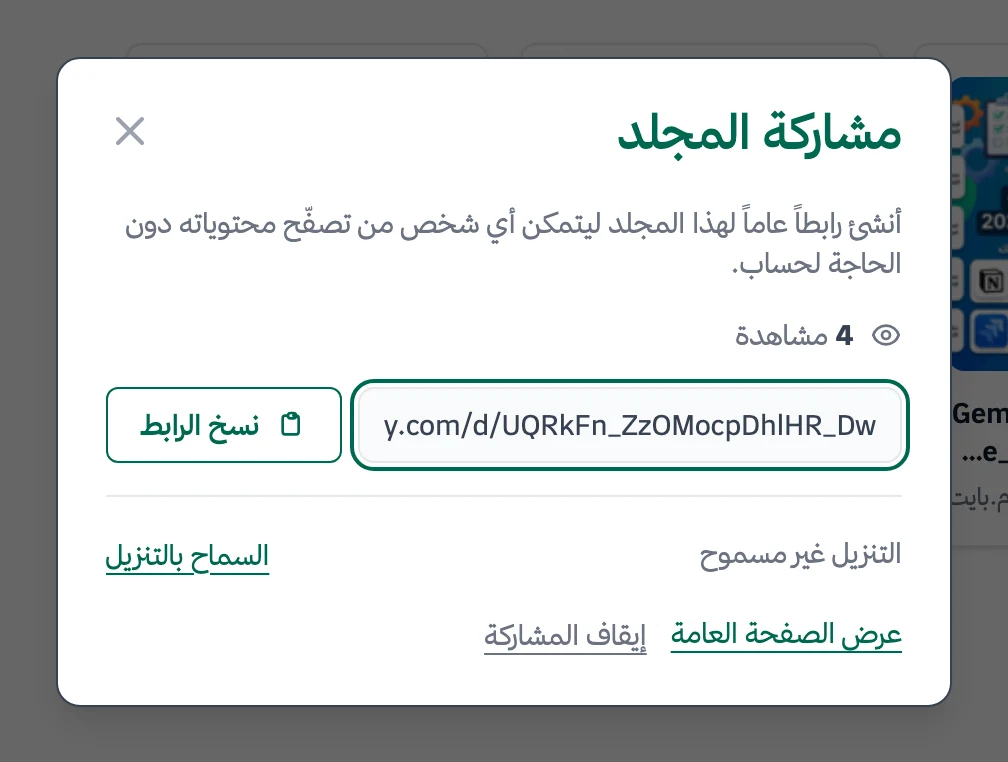
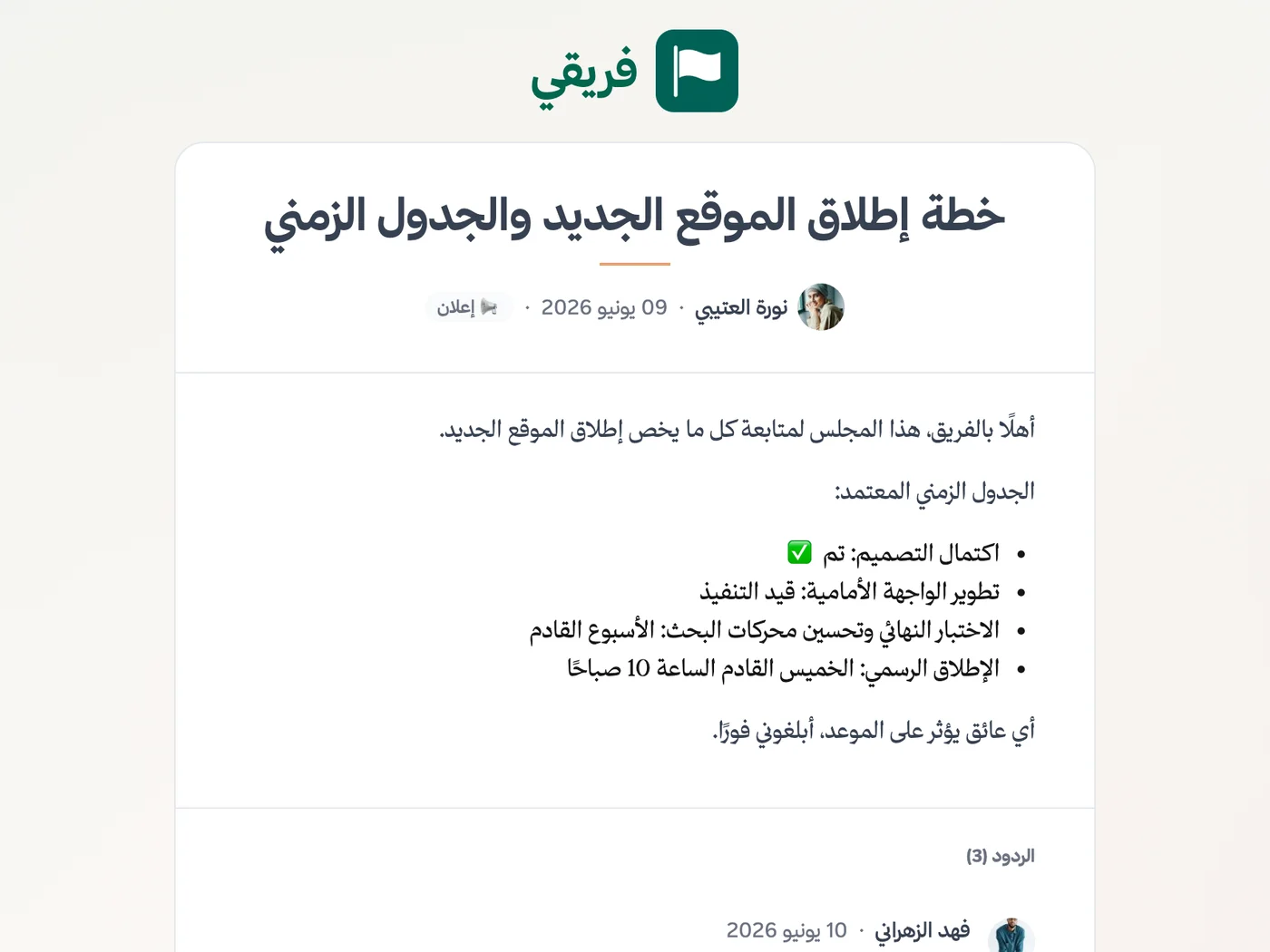
Control brand-asset downloads, keep campaign-plan comments hidden, and stop sharing when the external party's work ends.
What changes for in-house marketing teams
Other teams
Frequently Asked Questions
Is Fareeqy for an in-house marketing team or an agency?
Does Fareeqy replace a social media scheduler or analytics platform?
How do I build a content calendar in Fareeqy?
How can our CEO see campaign progress without a Fareeqy account?
Can we work with external designers and freelance writers?
Is the Free plan enough to try marketing team task management?
Are campaign-plan comments automatically visible to the external agency?
What Teams Say About Project Management with Fareeqy
One of the nicest, most pleasant experiences I've had managing teams. Fareeqy stands out for being simple, easy, and uncomplicated.
And the most important feature is scheduling your work and tasks around prayer times, not the other way around!Honestly, I love using Fareeqy,
First, the project organization part, and its reminders if there are overdue tasks.
Fareeqy is easy and straightforward. I don't need to read or watch any video to know how to use any feature; everything is straightforward, and that's what makes me like Fareeqy most.Start with your first project today
The Free plan lasts forever, and no credit card is required.
Get Fareeqy Free