Keep Every Restaurant and Cafe Branch Aligned
When tasks, decisions, and files scatter across locations, Fareeqy brings multi-branch coordination into one workspace. Everyone knows what is due, who owns it, and when it must be done.
✓ Free Forever • ✓ No Credit Card • ✓ Ready in 2 minutes
How often does your week begin with an expiring licence, a photo of an unresolved repair, and a branch still using last season's menu? Between opening locations, approving seasonal prices, and following up on mystery-visit findings, ownership gets blurred and execution drifts from one site to another.
Fareeqy structures restaurant task management through projects, task lists, tasks, Majlis, and Fareeqy Assistant. It is not a POS and does not manage orders, tables, delivery apps, inventory, or shift schedules; it manages the projects, recurring obligations, and documented decisions behind consistent cafe chain operations.
The result? Each branch manager sees clear responsibilities, operations leaders retain the full picture, and every location can execute the same standard.
How Fareeqy Maps to Your Operations
Turn every operational initiative into a clear layer of work, from a branch opening to a daily maintenance task.
A project represents a defined operational outcome, such as opening a location, launching a seasonal menu, or improving quality across branches, so it stays visible beyond daily service noise.
- Zamalek branch opening
- Winter menu launch
- Breakfast promotion campaign
- Food-safety inspection standardisation
For a branch opening, task lists can separate fit-out, licensing, hiring, and trial operations; for ongoing work, each branch can hold its monthly obligations or each menu item can have its own development list.
- Licences and approvals
- Kitchen and dining-area fit-out
- Maadi branch monthly obligations
- Seasonal sandwich development
When an inspector finds an unresolved repair or an unowned licence renewal, it becomes a task with one owner, one deadline, and one priority, giving the branch manager an unambiguous next action.
- Renew the Dokki branch signage licence
- Repair the prep fridge before Thursday
- Approve the seasonal drink price
- Update allergen labels
Majlis keeps menu decisions, operating standards, visit findings, and branch-manager minutes inside the project, so execution never depends on locating an old message.
- Ramadan menu pricing decision
- Takeaway presentation standard
- May mystery-visit findings
- Branch managers' meeting minutes
When a repeatable process risks losing a step at the next location, build an approved list once and apply it to any project, creating the tasks ready for consistent execution.
- Branch-opening checklist
- Seasonal menu-change checklist
- Monthly branch checklist
- Branch-manager onboarding checklist
Instead of hunting for the approved version, the Files tab keeps licences, supplier contracts, operating manuals, and menu artwork in project folders alongside Google Drive and Dropbox links.
- Approved operating manual
- Licence and safety-certificate files
- Menu artwork
- Google Drive link to branch photography
From Plan to Consistent Execution
Define the Operation
Create a project for the branch opening, menu change, or quality initiative, and control its members if it is private. The scope becomes visible instead of remaining scattered across message threads.
Start From an Approved List
Apply a ready list for fit-out, licensing, training, and trial operations so a familiar step is not missed. For a seasonal menu, use a separate list for each item that needs testing and approval.
Make Ownership Explicit
Give every task one owner, one deadline, and one priority, especially for licences and maintenance. Each branch manager can see their personal work alongside the relevant team tasks without guessing.
Document the Decision
Place pricing decisions, operating standards, and visit findings in Majlis, then keep approved files in the project. The team can see the decision, its rationale, and the version it must execute.
Review and Improve
Review project, team, department, and company reports, then use Fareeqy Assistant to analyse delays and summarise risks. The result? The next cycle starts with a clearer standard and fewer recurring problems.
An Operational Memory for Every Branch
Pricing decisions, presentation standards, and quality findings lose value when they remain scattered across conversations. Your team can add its own categories on top of the seeded Announcement, Question, Idea, Update, and General Discussion categories.
Menu and Pricing Decisions
Record the item, approved price, effective date, and rationale so every branch launches the correct version.
Approved Operating Standards
Document service steps, presentation standards, and approved hygiene instructions so managers have one reliable reference.
Quality and Mystery-Visit Reports
Keep findings, evidence, and corrective actions from each visit so improvements can be tracked instead of forgotten.
Recurring Customer Feedback
Capture recurring themes, affected branches, and the agreed response so repeated complaints become operational decisions.
Branch Managers' Meeting Minutes
Document decisions, owners, and deadlines after each meeting so every manager leaves knowing what must happen next.
An Assistant That Understands Branch Operations
Fareeqy Assistant freely reads the projects, tasks, task lists, Majlis topics, files, and calendar available within your permissions to surface delays and summarise branch status. When you ask it to create or change work, it presents, by default, a live confirmation card you can edit before it proceeds once you approve.
«Which licence and maintenance tasks are late this week, and which are most urgent?»
It returns a prioritised list showing the delay, priority, owner, and deadline for each task.
«Summarise the Zamalek opening and identify what could delay trial operations.»
It combines progress from relevant lists, tasks, and discussions, then highlights blockers and decisions still needed.
«Create a task list for the winter menu change at the Maadi branch.»
It shows the list and task titles in an editable confirmation card, then creates them in the project once you approve.
«Write a report on recurring quality findings across branches this month.»
It creates a private PDF or Markdown report inside the conversation, while publishing it to project files remains a separate action you take.
Share opening plans without invitations
Delivery timing and the latest branch drawing often become scattered across messages with suppliers and opening contractors. Place the needed record behind a view-only link they can access outside the restaurant workspace, without an invitation.
Branch opening checklist
The contractor sees preparation progress, tasks, owners and due dates, making any opening blocker visible.
Branch drawings
The opening contractor browses the published drawings and files across the folder tree.
Supply delivery
The supplier sees the delivery time, place and description without another call to the team.
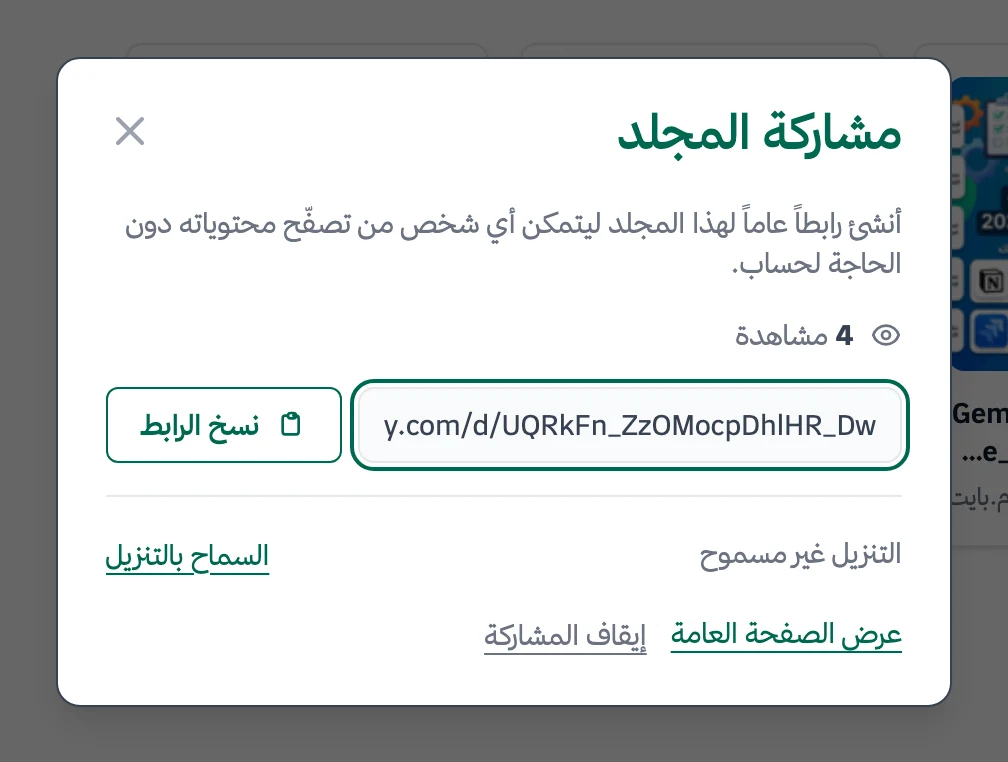
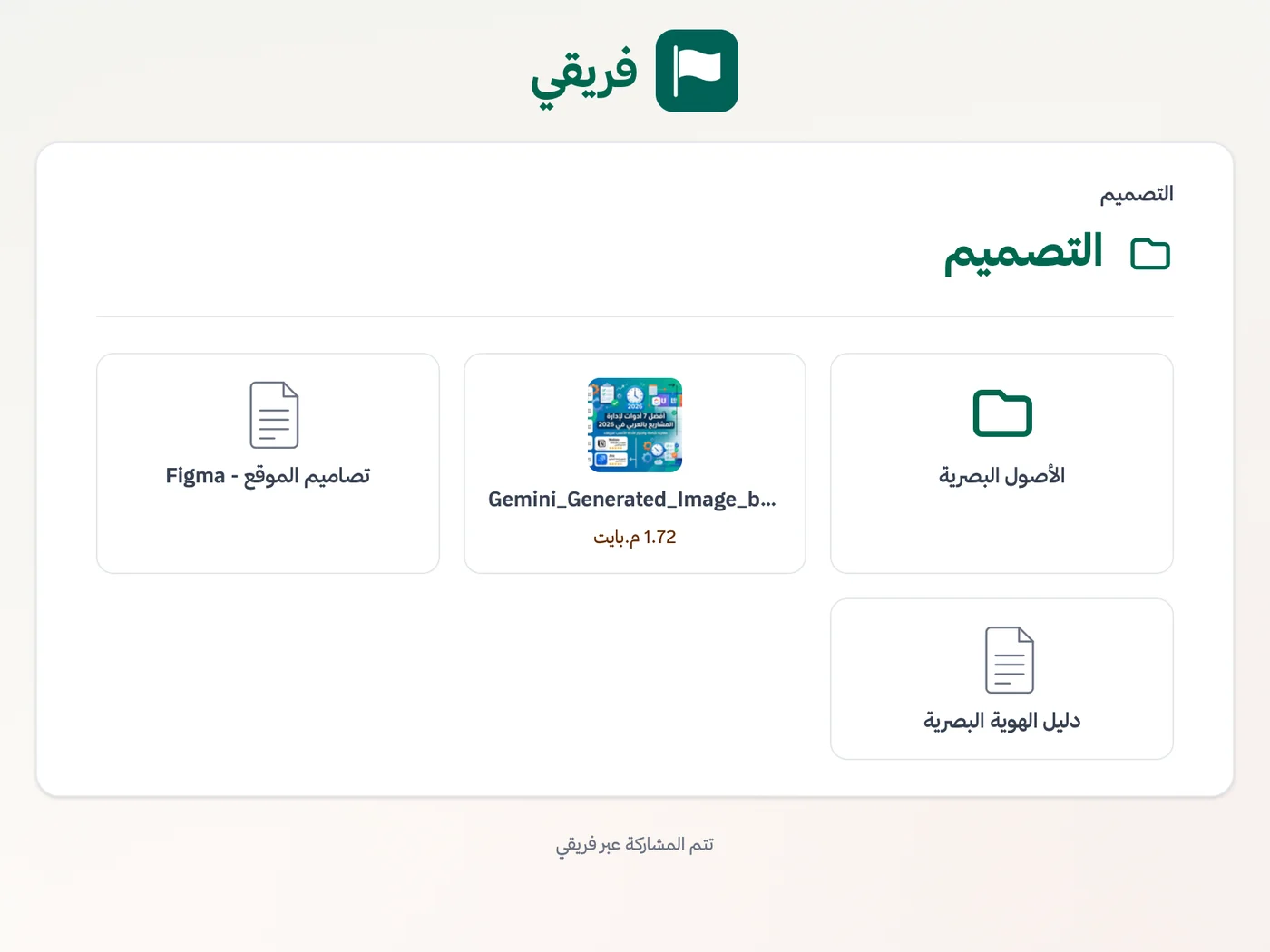
Choose whether branch drawings can be downloaded, keep opening-checklist comments hidden, and stop the link after handover.
What changes for restaurants and cafes
Other industries
Frequently Asked Questions
Does Fareeqy replace a POS or shift-scheduling system?
How can I run several branches while each manager sees their own work?
How do I repeat a new branch-opening checklist?
How can I keep operating standards identical across branches?
What reports can the restaurant owner or operations lead see?
Can I try Fareeqy for restaurant task management for free?
Does an opening contractor need an account to view branch plans?
What Teams Say About Project Management with Fareeqy
One of the nicest, most pleasant experiences I've had managing teams. Fareeqy stands out for being simple, easy, and uncomplicated.
And the most important feature is scheduling your work and tasks around prayer times, not the other way around!Honestly, I love using Fareeqy,
First, the project organization part, and its reminders if there are overdue tasks.
Fareeqy is easy and straightforward. I don't need to read or watch any video to know how to use any feature; everything is straightforward, and that's what makes me like Fareeqy most.Start with your first project today
The Free plan lasts forever, and no credit card is required.
Get Fareeqy Free