Media Production That Hits Every Publish Date
Keep episodes, shoot days, edits, reviews, and publishing on one clear path. Everyone knows what they own, where the material lives, and when their work is due.
✓ Free Forever • ✓ No Credit Card • ✓ Ready in 2 minutes
How often does publish day arrive while the editor is waiting for client notes, the producer is hunting for the approved cut, and nobody knows who owns the next handoff? Footage, releases, and approvals disappear into chat threads until one late step puts the whole release at risk.
Fareeqy turns your content production workflow into projects, task lists for stages or episodes, and tasks with one assignee, one due date, and one priority. Majlis preserves production decisions, while Fareeqy Assistant reads projects, task lists, tasks, Majlis, files, and the calendar to analyze the work and suggest what comes next. Fareeqy is not video-editing or digital asset management software: it does not host a production media library, review footage frame by frame, or publish to platforms. Large media stays in your storage, while Fareeqy holds its links and manages the work around it.
The result? Video project tracking stays clear from brief to release, and the right version reaches the right person before the publish date.
How Fareeqy Maps to Your Production
Map the production units your team already recognizes, from an entire season to the final task before release.
A project is a season, major production, client engagement, or ongoing channel, keeping its people, schedule, files, and discussions separate from every other production.
- Season 3 of the Masaha podcast
- Documentary: Water of the City
- Product launch campaign for Al Noor
- Weekly YouTube channel: Tech Lab
A task list can represent a production stage, one complete episode and its steps, or a publishing week containing everything scheduled to go live together.
- Pre-production: approve the brief and confirm guests
- Episode 12: recording through publication
- Post-production: edit, review, and delivery
- Publishing week of September 7 to 13
A publish date does not move because an edit is late, so every step has one assignee, one due date, and one priority, with notes holding the brief, footage links, and required version.
- Approve the final script for Episode 12
- Upload the vertical cut of the product ad
- Review the audio mix before delivery
- Confirm usage rights for the music track
When an idea changes through review rounds, Majlis preserves the brief, the reasoning behind creative choices, client feedback, and final approval as reusable context.
- Decision to reshape the episode as a narrative
- Interview brief for the lead guest
- Summary of second-round review notes
- Record of client approval for the final cut
When every episode or shoot day follows familiar steps, build the list once or save an existing list as a template, then create those tasks ready inside any new project.
- Produce a podcast episode
- On-location shoot-day checklist
- Review, deliver, and release a YouTube video
- Onboard a freelancer to the production
Keep working documents in project folders and link large media from Google Drive or Dropbox, so the team knows where each asset lives and who is working on it, without treating Fareeqy as an editor or frame-by-frame review tool.
- Approved script and shooting sheet
- Google Drive link to original footage
- Talent agreements and release forms
- Dropbox link to editing versions
A Weekly Cycle From Brief to Publish
Set Up the Production
Create a project for the season, film, campaign, or ongoing channel, and control access when the production is private. Bring its schedule, reference files, and storage links together before they scatter across chats.
Build the Repeatable Path
Split the work into pre-production, shooting, post-production, and publishing lists, or make each episode its own list. Apply a Ready task list whenever the steps repeat so an approval or handoff never disappears.
Lock the Brief and Clearances
Publish the brief in Majlis and document creative direction, usage rights, and client approval in topics the team can revisit. Connect each decision to the task that carries it out so the crew and editor never work from stale instructions.
Track the Shoot and Post
Give every shot, recording, or cut one assignee, a due date, and a clear priority, with the brief and media links in the task notes. Comments and task activity show what changed, what was completed, and what had to be reopened.
Deliver, Publish, and Learn
Share the episode list through a public link so the client can see completed work, remaining steps, assignees, and dates without an account, then have your team publish manually to the chosen platform. After release, record performance and the decision that should improve the next production.
A Production Memory Beyond Chat Threads
Every brief, note, and approval can redirect a production, so the team needs a durable record of what changed and why before the next round begins. Each project starts with Announcement, Question, Idea, Update, and General Discussion, and your team adds media-specific categories with its own names and emoji.
Creative direction decisions
Record the visual language, tone, chosen references, and reasoning so writing, shooting, and editing stay aligned around one creative direction.
Episode or production brief
Keep the objective, audience, key messages, guests, and required outputs together so nobody starts from an outdated brief.
Review notes and rounds
Pair each version link with that round's notes and resulting decisions, preventing rejected feedback from resurfacing in the next cut.
Usage rights and approvals
Document the status of music, imagery, guest releases, and client approval so the team knows exactly what is cleared for release.
Post-publish performance review
Record reach, retention, engagement, and what should change next time, turning platform results into production decisions.
An Assistant That Understands Production Pressure
Type a request or speak it in Arabic, and Fareeqy Assistant reads the episodes, tasks, deadlines, files, and calendar available within your permissions to surface blockers and summarize decisions. When you ask it to create or update work, it shows a live editing card and acts once you approve; optional Instant Execution can skip the card, while deletion remains unavailable.
«Which episodes are due this week, and what is putting each publish date at risk?»
It returns an ordered view of deadlines, unfinished tasks, the assignee behind each late step, and the decisions that need follow-up.
«Prioritize today's post-production work using publish dates and current task status.»
It proposes a practical order that puts the nearest releases and highest-impact blockers at the top without changing any tasks.
«Create the tasks for Episode 12, from script approval through final delivery.»
It presents the proposed tasks, with owners and dates, in a live editor where you can fix titles and notes before it creates them once you approve.
«Turn the campaign's production status and delivery risks into a PDF for the executive producer.»
It creates a private report inside the conversation right away, and it reaches project files only if you press the publish button yourself.
Production updates ready to review
Sending another package whenever a client requests the latest cut or a sponsor checks what has been delivered creates needless copies. Turn the selected material into a public viewing page whose contents cannot be edited by the visitor.
Review cut
The client previews the published cut in the browser instead of passing multiple files around.
Production assets
The sponsor or client browses the folder tree and files to reach the assets you selected.
Delivery schedule
The client sees what is complete, what remains, who owns each task and when it is due.
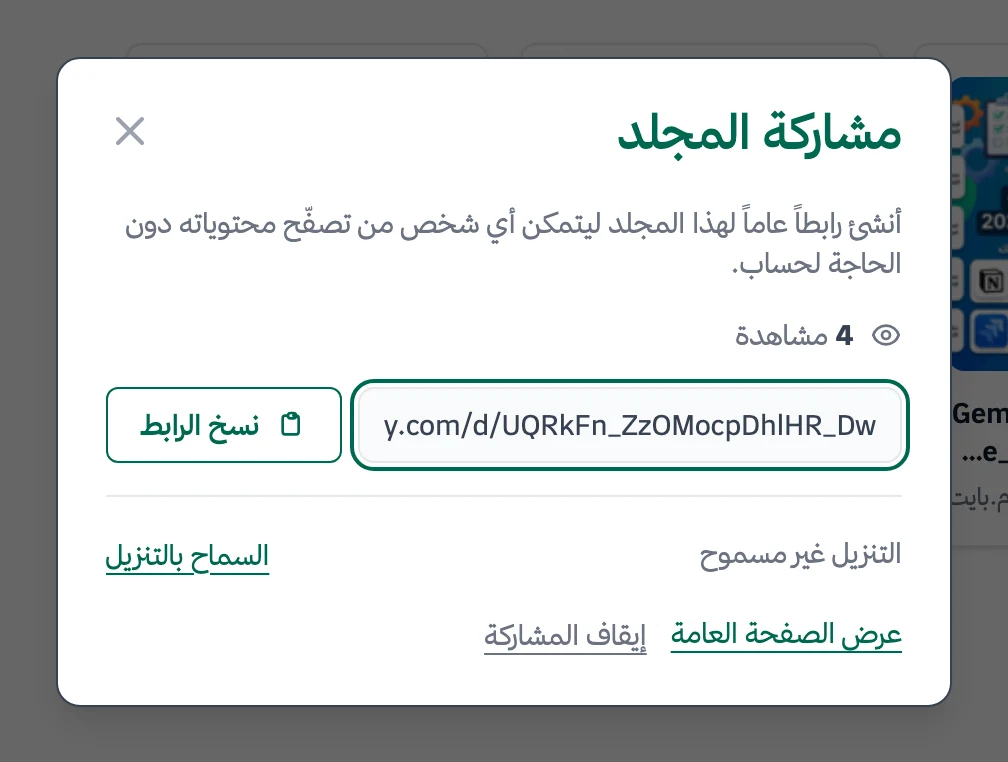
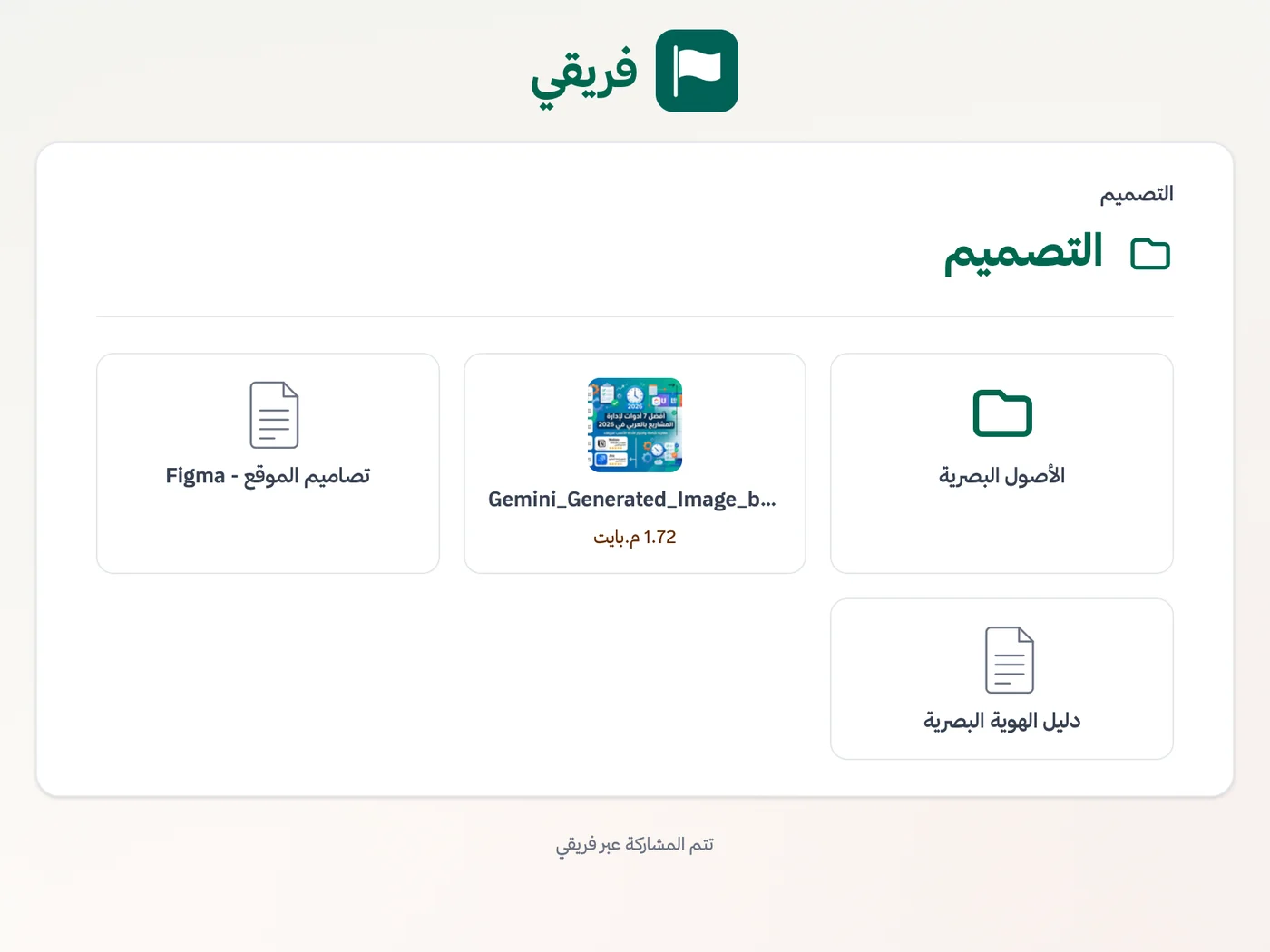
You can block downloads of the cut and assets, keep delivery-plan comments hidden, and stop the link before restoring the same address later.
What changes for media and content production
Other industries
Frequently Asked Questions
Does Fareeqy store video or support frame-by-frame review?
How do I manage a weekly publishing cycle in Fareeqy?
Do freelancers need paid seats?
Can I show a client an episode's progress without buying a seat?
How do I repeat the same episode production checklist?
Is the Free plan enough for a small content team?
Can a sponsor view a review cut without having an account?
What Teams Say About Project Management with Fareeqy
One of the nicest, most pleasant experiences I've had managing teams. Fareeqy stands out for being simple, easy, and uncomplicated.
And the most important feature is scheduling your work and tasks around prayer times, not the other way around!Honestly, I love using Fareeqy,
First, the project organization part, and its reminders if there are overdue tasks.
Fareeqy is easy and straightforward. I don't need to read or watch any video to know how to use any feature; everything is straightforward, and that's what makes me like Fareeqy most.Start with your first project today
The Free plan lasts forever, and no credit card is required.
Get Fareeqy Free