Nonprofit Project Management That Protects Commitments
Keep programs, grant deadlines, staff tasks, and volunteer work together. Fareeqy manages the work of delivering your mission, not donors, donations, or beneficiary records.
✓ Free Forever • ✓ No Credit Card • ✓ Ready in 2 minutes
How often does a grant report come due while program updates sit in messages, volunteer assignments live in a separate sheet, and a board decision remains buried in meeting minutes? The funder wants evidence of progress, but assembling the full picture steals time from the program itself.
Fareeqy is not donor-management software, does not process donations, and does not store beneficiary records. It supports nonprofit project management by turning each program into a project, each phase or grant deliverable into a task list, and each commitment into a task with one owner, deadline, and priority, while Majlis preserves decisions and Fareeqy Assistant reads permitted projects, task lists, tasks, discussions, files, and calendars.
The result? Everyone knows what must be delivered this week, managers spot delays before reporting dates are threatened, and the organization enters board and funder reviews with a clear, defensible view of progress.
How Fareeqy Maps to Nonprofit Work
Turn program plans and grant commitments into a workspace that staff, volunteers, and program managers can understand.
A project represents a community program, a grant-funded initiative with reporting obligations, a fundraising campaign, an event, or an ongoing function such as governance or volunteering.
- Family Economic Empowerment Program
- Grant-Funded Winter Response Project
- Ramadan Fundraising Campaign
- Governance and Board Meeting Operations
A task list separates work by program phase, required grant deliverable, or campaign month, keeping field delivery distinct from reporting obligations.
- Program Design Phase
- Deliverable 2: Participant Training
- Semiannual Grant Report
- December Campaign Tasks
A task turns each commitment into accountable work with one assignee, one deadline, and one priority, because a grant-report date is a funding condition that cannot depend on memory.
- Submit the Q3 Indicator Report
- Secure Executive Approval for the Activity Budget
- Confirm Volunteer Attendance for the Event
- Review Expenditure Documents Before Submission
Majlis preserves the context behind board decisions, funder updates, and operational lessons that would otherwise disappear across minutes, email, and chat, with topics that can be pinned or saved as drafts.
- Decision Approving a Grant Scope Change
- Monthly Funder Update
- Lesson from a Previous Distribution Cycle
- Draft Volunteer Safeguarding Policy
Ready task lists turn recurring operating procedures into centrally managed templates, so the next report cycle or program begins with proven steps instead of a checklist rebuilt from memory.
- New Program Launch
- Grant Reporting Cycle
- Community Event Delivery
- New Volunteer Onboarding
Project files keep delivery documents beside the work, with folders and external links to Google Drive and Dropbox, without turning Fareeqy into a donor or beneficiary database.
- Grant Agreement and Implementation Plan
- Activity Budget and Expense Templates
- Training Decks and Volunteer Guides
- Links to Photo and Communications Folders
From Grant Commitment to Documented Progress
Translate Commitments into Work
Grant deliverables can remain trapped in the agreement until reporting week arrives. Create a project for the program, add lists for each phase or deliverable, and turn every commitment into visible work.
Review the Week Clearly
Start the week in My Tasks to see program work and private personal tasks together instead of chasing several trackers. Review deadlines and priorities, then let Fareeqy Assistant summarize overdue work and delivery risks.
Coordinate Staff and Volunteers
When instructions are scattered across messages, volunteers repeat questions and accountability becomes unclear. Give each task one owner, pin delivery guidance in Majlis, and use mentions and comments to resolve details.
Share Progress with the Funder
A funder does not need a full seat just to follow delivery. Publish a task list or task as a public link showing what is complete, what remains, who owns it, and when it is due, while keeping comments hidden unless you choose otherwise.
Close the Cycle and Preserve Knowledge
After submission, the reasons behind delays and the lessons learned can vanish as the team moves on. Review reports and task activity, document lessons in Majlis, and save the proven checklist as a template for the next cycle.
An Institutional Memory That Outlives Each Program
Nonprofits need to preserve why a decision was made, what a funder was promised, and what the team learned, because staff and volunteer turnover can erase context. Alongside the seeded Announcement, Question, Idea, Update, and General Discussion categories, the team adds categories tailored to its own work.
Board Decisions
Record each approved decision, its context, and the work it creates so the team follows the right direction without searching scattered minutes.
Funder Progress Reports
Collect progress indicators, blockers, and explanations before reporting dates so the narrative sent to the funder remains grounded in actual delivery.
Lessons from Past Programs
Capture what worked, what stalled, and what should change next time so a new program manager does not have to rediscover old lessons.
Approved Policies and Procedures
Keep approved guidance and its implementation context available so staff and volunteers follow a consistent process during delivery.
Volunteer Coordination
Bring event instructions, role assignments, recurring questions, and post-event notes together, turning temporary messages into reusable volunteer knowledge.
An Assistant That Understands Program and Grant Pressure
Fareeqy Assistant freely reads the projects, task lists, tasks, Majlis topics, files, and calendars available within your permissions to surface delays, prioritize work, and summarize progress. When you ask it to create or change a task, it presents a live confirmation card you can edit and executes once you approve, unless you optionally enable Instant Execution.
«Which grant commitments are due in the next 14 days, and which ones are already late?»
It returns a summary grouped by program and funder, showing the owner, deadline, and status of each task without asking for approval to read.
«Prioritize this week's work by its impact on the grant report.»
It returns a recommended order led by tasks that threaten the reporting date or block other work, with a short explanation of the ranking.
«Create a draft board progress report from this month's work.»
It creates a private document inside the conversation covering completed work, delays, risks, and next steps, and it reaches project files only if you press the separate publish button.
«Add a task for Sarah to submit the grant report attachments on September 18, and put it at the top of the list.»
It shows a task-creation card with the title, assignee, and deadline so you can review it and correct the title and notes in place before it executes once you approve.
Share initiative impact with supporters
When a donor asks about an initiative or a grant body needs evidence of delivery, provide one clear record instead of scattered updates. A single web address lets a donor or volunteer view your selection without becoming a workspace member.
Impact report
The grant body previews the published impact report in the browser without requesting an emailed copy.
Grant milestones
The donor sees progress, tasks, owners, due dates, what has been delivered and what remains.
Initiative discussion
A volunteer or donor reads the topic and its replies, understanding the decision without losing its context.
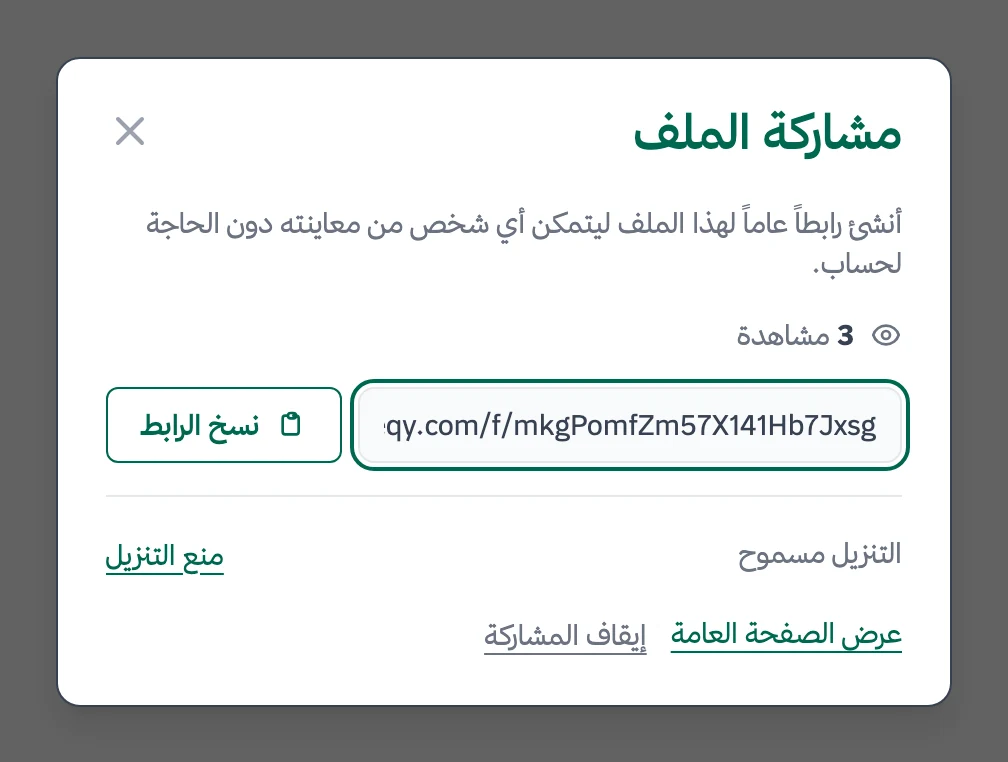
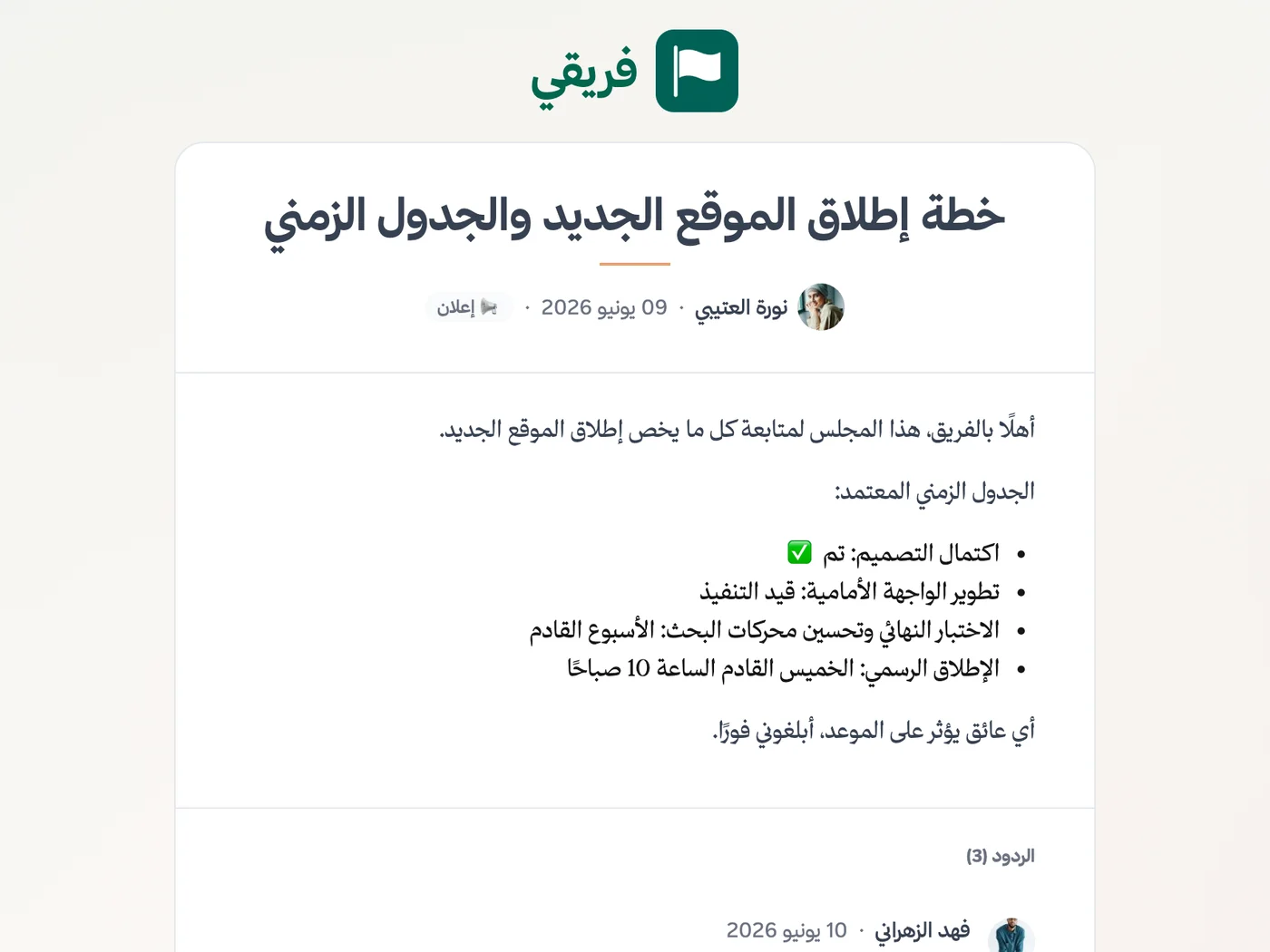
Allow or block report downloads, hide grant-milestone comments, and stop sharing or restore it later with the same link.
What changes for nonprofits and associations
Other industries
Frequently Asked Questions
Does Fareeqy manage donors or process donations?
Do volunteers need paid seats?
Can I show a funder progress without giving them a seat?
Is the Free plan enough for a small nonprofit?
Can Fareeqy help prepare reports for the board?
How do I reuse a program or grant-reporting checklist?
How can I share an impact report with a donor who has no account?
What Teams Say About Project Management with Fareeqy
One of the nicest, most pleasant experiences I've had managing teams. Fareeqy stands out for being simple, easy, and uncomplicated.
And the most important feature is scheduling your work and tasks around prayer times, not the other way around!Honestly, I love using Fareeqy,
First, the project organization part, and its reminders if there are overdue tasks.
Fareeqy is easy and straightforward. I don't need to read or watch any video to know how to use any feature; everything is straightforward, and that's what makes me like Fareeqy most.Start with your first project today
The Free plan lasts forever, and no credit card is required.
Get Fareeqy Free