Clear Real Estate Management, From Development to Operations
Bring real estate project tracking into one workspace, from site work and permits to sales and handover, with clear ownership at every step.
✓ Free Forever • ✓ No Credit Card • ✓ Ready in 2 minutes
Looking for Construction and contracting instead? That is a separate page. This one is for Real estate companies.
How often has a unit handover slipped because an inspection note stayed inside a call between the site engineer, maintenance crew, and sales team? Across multiple sites, permits, design changes, and buyer commitments, finding the current answer can take longer than doing the work.
Fareeqy turns real estate project tracking into projects, task lists, and clearly owned tasks, while Majlis keeps decisions, approvals, and meeting minutes in a written record. The Fareeqy Assistant reads projects, tasks, files, and calendars within your permissions, then, by default, presents write operations for review and carries them out once you approve.
The result? Property team task management becomes visible, handover risks surface earlier, and every progress meeting starts with a documented answer instead of a search through old messages.
How Fareeqy Maps to Real Estate Work
Each Fareeqy layer mirrors the real files behind development, brokerage, handover, and property operations.
It is a distinct delivery file for a development, an operating property, a sales campaign tied to specific inventory, or an operation such as unit handover, classified under development, sales and marketing, handover, or property management.
- Palm Tower Development, Phase Two
- Phase One Inventory Sales Campaign
- Building C Unit Handover
- Al Waha Compound Property Management
It can represent a file stage such as permits or execution, a unit, building, or floor containing every step before handover, or a property manager's monthly maintenance list for one building.
- Permits and Approvals
- Execution, Marketing, and Sales
- Unit A-204: Inspection to Handover
- Building 7: September Maintenance
It is a specific handoff between the site engineer, sales agent, government-transactions officer, legal reviewer, or maintenance crew, with one named owner, one deadline, one priority, and an activity log showing who changed what and when.
- Close Unit A-204 Inspection Notes
- Submit the Building Permit Application
- Review the Price Change Addendum
- Fix the Pump Room Leak Before Reinspection
It is the written trail that answers questions such as who approved a design change and why, keeping project decisions, contractor minutes, permit status, and site reports out of scattered message threads.
- Building Facade Change Approval
- Contractor and Consultant Meeting Minutes
- Occupancy Permit Status Update
- Current Weekly Site Report
They are repeatable checklists built once for a unit handover, permit process, or new listing intake, then applied to any project with the required tasks already in place.
- Residential Unit Handover Checklist
- Building Permit Process
- New Property Intake
- Monthly Preventive Maintenance
They keep contracts, drawings, permits, inspection reports, and unit photos inside the project they govern, alongside external links to a Google Drive folder or government portal record.
- Main Contractor Agreement and Approved Drawings
- Building Permit Copy and Transaction Record
- Inspection Photos Before and After Repair
- Signed Unit Handover Report
A Real Estate Workflow That Keeps Its Thread
Open the Right File
Create a project for the development, sales campaign, handover, or managed property, then place it in the right project category. Make it private when it contains sensitive pricing or contractor negotiations so only added members can see it.
Start With a Proven Process
Apply a ready task list for permits, unit handover, or new property intake instead of rebuilding the process. Inspection, issue logging, repair, reinspection, and sign-off tasks appear ready inside the project.
Assign Daily Handoffs
Give every task one owner, one deadline, and one priority across the site engineer, sales agent, government-transactions officer, legal reviewer, and maintenance crew. That assignment replaces the phone call, while the activity log shows who moved a deadline if handover slips.
Record Decisions and Evidence
Put decisions, meeting minutes, permit status, and site reports in Majlis with their dates and attachments. Keep the contract, drawing, inspection report, and unit photos inside the same project as the tasks they govern.
Review and Brief Stakeholders
Review handovers and government deadlines in the Hijri and Gregorian calendar, then use project, team, department, or company reports to expose drift. On Advanced and above, schedule an email report for the owner or board member so the current picture reaches them without a daily login.
A Written Memory for Every Property Project
When a file runs for two years and passes through several people, the reasoning and date behind each decision must survive team changes. Majlis starts with Announcement, Question, Idea, Update, and General Discussion, then your team adds its own real estate categories on top.
Decisions and Approvals
Records price changes, design changes, or contractor selections with the decision-maker, reasoning, and date so the same dispute does not return later.
Contractor and Consultant Minutes
Keeps what was discussed, approved, and assigned after each meeting instead of leaving commitments across separate notebooks.
Permits and Government Transactions
Captures the latest transaction status, missing document, responsible authority, and next step before a permit stalls unnoticed.
Weekly Site Reports
Preserves progress, blockers, photos, and weekly decisions so the gap between the plan and site reality appears early.
Post-Handover Issues
Connects an owner's issue to its inspection, repair, and retest, leaving a clear history of what happened after handover.
An Assistant That Finds Delivery Risk
The Fareeqy Assistant can read developments, tasks, task lists, Majlis topics, files, and calendars within the member's permissions, exposing delays and blockers without approval for reads. When you ask it to create or edit work, it shows a live confirmation card you can correct before it acts once you approve, while optional Instant Execution skips the card and deletion remains unavailable.
«Which handover projects are at risk this month, and why?»
It returns a prioritized view of at-risk projects, overdue tasks, blockers, and deadlines that need intervention.
«Summarize the permit status for Palm Tower and identify who owns the next step.»
It combines the latest transaction updates and tasks into a summary showing each permit's status, blocker, owner, and deadline.
«Create reinspection tasks for the delayed units and assign each one to its owner.»
It presents a card with titles, assignees, and deadlines, where you can correct titles and notes, then creates the tasks once you approve.
«Prepare a weekly site report for management from the project's updates and photos.»
It prepares a PDF or Markdown document privately inside the conversation, and it reaches project files only when you press the publish button yourself.
A public link for property stakeholders
A buyer's document request or an investor's handover question should not restart the same message chain. Publish the chosen record at a public address where the relevant party can view it without joining your team.
Property offer
The buyer previews the offer in the browser, receiving the version you selected without extra correspondence.
Property documents
The owner or investor browses the documents approved for publication across the folder tree.
Handover stages
The relevant party sees each stage, its owner, its due date, what is done and what remains.
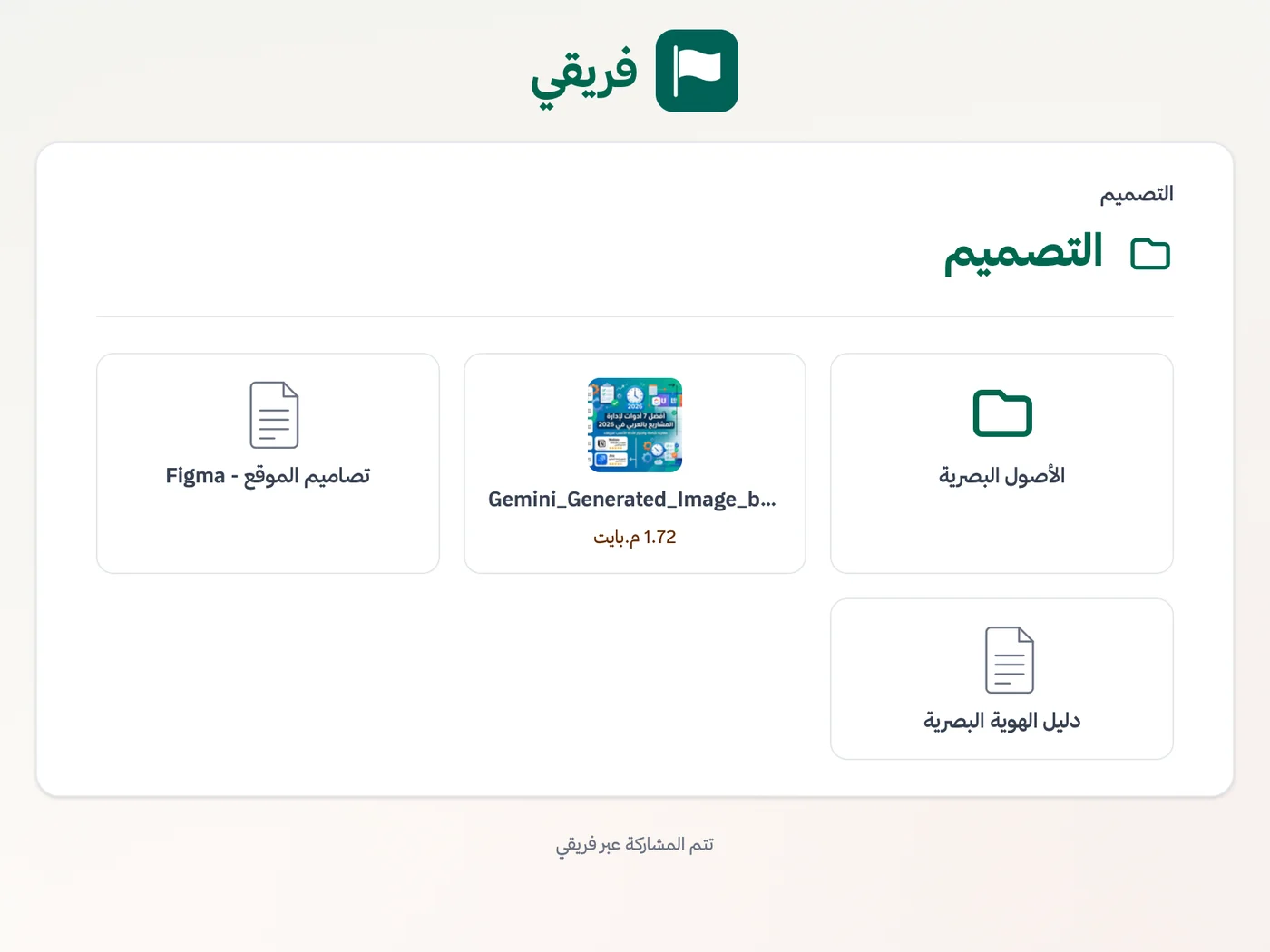
Control downloads of property files, keep handover comments hidden by default, and stop sharing as soon as the transaction is complete.
What changes for real estate companies
Other industries
Frequently Asked Questions
Is Fareeqy a real estate CRM, and will it replace our current system?
Can every development be a separate project with separate access?
Can an owner or investor see progress without an account?
Does it work for teams spread across sites and on phones?
Does it support Hijri dates for handovers and government deadlines?
What does the free plan include, and how much are paid plans?
When does a property-document link stop working?
What Teams Say About Project Management with Fareeqy
One of the nicest, most pleasant experiences I've had managing teams. Fareeqy stands out for being simple, easy, and uncomplicated.
And the most important feature is scheduling your work and tasks around prayer times, not the other way around!Honestly, I love using Fareeqy,
First, the project organization part, and its reminders if there are overdue tasks.
Fareeqy is easy and straightforward. I don't need to read or watch any video to know how to use any feature; everything is straightforward, and that's what makes me like Fareeqy most.Start with your first project today
The Free plan lasts forever, and no credit card is required.
Get Fareeqy Free