E-commerce Project Management That Keeps Launches Moving
Coordinate product launches, seasonal campaigns, content, fulfillment, and customer support in one workspace. Everyone knows what must happen before launch day.
✓ Free Forever • ✓ No Credit Card • ✓ Ready in 2 minutes
How often does a Ramadan campaign get dangerously close while product photography is unfinished, prices still need approval, and store pages have not passed QA? Buying, content, fulfillment, and customer support move on different tracks until coordination turns into urgent messages and last-minute meetings.
Fareeqy is not a storefront platform. It does not manage inventory, orders, or payments, and it does not integrate with Salla, Zid, or Shopify. It manages the work around your store: each campaign or launch becomes a project, task lists and tasks organize delivery, Majlis preserves decisions, and Fareeqy Assistant reads the work to surface delays and recommend what needs attention.
The result? E-commerce project management becomes visible, your team knows who owns each deliverable and when it is due, and launch risks appear early enough to fix.
How Fareeqy Maps to Your Store Operations
Turn seasons, product launches, and ongoing operations into a structure everyone on your store team understands.
A project is a date-bound seasonal campaign, a new collection launch, a sales channel being prepared, or an ongoing store function that needs daily coordination.
- Ramadan 2027 campaign
- Summer skincare collection launch
- New sales channel rollout
- Customer support operations
A task list can represent a launch phase, one product moving through photography, copy, pricing, page build, and QA, or a full month of content operations.
- Offer preparation phase
- Coffee machine product launch
- November content calendar
- Pre-campaign store QA
A task is a concrete seasonal deliverable with one assignee, one deadline, and one priority, so a campaign cannot stall because nobody owned the photo shoot.
- Approve the Ramadan bundle discount
- Shoot the product on a white background
- Review mobile checkout flow
- Deliver support answers for expected questions
Majlis is the project's discussion and decision record, keeping pricing choices, seasonal results, customer feedback, and readiness plans attached to the campaign instead of buried in chat.
- Reason behind the discount rate
- Back-to-school campaign recap
- Recurring delivery complaints
- Decision to postpone a product launch
These are reusable templates for work repeated with every product or season, creating the required checks and deliverables inside a project without rebuilding the list.
- New product launch
- Seasonal campaign preparation
- New supplier onboarding
- Post-season review
Project files keep campaign briefs, product images, price sheets, supplier documents, and Google Drive or Dropbox links beside the work that depends on them.
- New collection photography guide
- Approved price sheet
- Campaign messaging brief
- Supplier folder link on Google Drive
From Campaign Brief to Season Review
Open the Campaign Project
Create a project for the Ramadan campaign or new collection and choose its members. Add the campaign brief and launch date so buying, content, and operations begin with the same context.
Apply the Repeatable Plan
Split the campaign into preparation, production, launch, and follow-up lists, or make each list a separate product launch. Apply a ready task list whenever the same delivery path repeats.
Make Every Deliverable Owned
Give every photo shoot, description, price approval, and QA check one assignee, deadline, and priority. Fulfillment, content, and support can see what awaits them and what cannot slip.
Keep Decisions Beside Delivery
Record offer decisions, customer feedback, and readiness plans in Majlis, and pin critical topics at the top. Keep photography, price sheets, and external storage links in project files.
Review and Prepare to Repeat
Track completion and delays, and share a task or task list by public link when an external partner needs visibility. After the season, document lessons and save the proven list as a template for the next launch.
A Decision Record for Every Campaign
Store decisions move quickly, but the reasoning behind a discount or delayed product still matters after the season ends. Your team adds its own categories on top of the seeded Announcement, Question, Idea, Update, and General Discussion categories.
Pricing and Offer Decisions
Record the price, discount, expected margin, and approval rationale so the team knows what to publish and why.
Seasonal Campaign Results
Capture results, wins, problems, and repeatable lessons so the next campaign starts with evidence.
Recurring Customer Feedback
Document recurring complaints, common questions, and return reasons so content and operations can address them next time.
Pre-season Inventory Plans
Keep demand assumptions, supplier dates, and shortage risks behind the campaign plan without treating Fareeqy as an inventory system.
Product Page Tests
Record the hypothesis, tested version, observations, and final decision so the team does not repeat the same test unnecessarily.
An Assistant That Spots Seasonal Pressure Early
Fareeqy Assistant freely reads projects, tasks, task lists, Majlis, files, and the calendar within your permissions, then surfaces delays, recommends priorities, and summarizes launch readiness. For write requests, it shows an editable confirmation card by default and acts once you approve, while optional Instant Execution skips the card and deletion remains unavailable.
«Which tasks put this week's Black Friday campaign launch at risk?»
It returns the overdue or near-due tasks, their assignees, priorities, and likely impact on the launch.
«Prioritize what the content team must finish today before product pages can be approved.»
It orders the work by deadlines and each task's place in its list, then identifies the next likely blocker.
«Move the winter collection photography task to the top of its list.»
It presents the new order in a confirmation card and applies it only once you approve, unless Instant Execution is enabled. The team then sees it first.
«Write a report summarizing campaign blockers and lessons for next season.»
It creates a PDF or Markdown document privately inside the conversation, and you choose whether to publish it to project files.
Share exactly what suppliers need
When a supplier checks stock readiness or a fulfilment partner needs the current packaging specification, spare them a search through attachments. Give them a direct link that displays the required record without a Fareeqy login.
Stock readiness plan
The supplier sees tasks, owners, due dates and progress, making their next responsibility clear.
Packaging specification
The fulfilment partner previews the specification in the browser instead of working from an outdated attachment.
Approved product images
The supplier or partner browses the images across the folder tree and quickly finds the published assets.
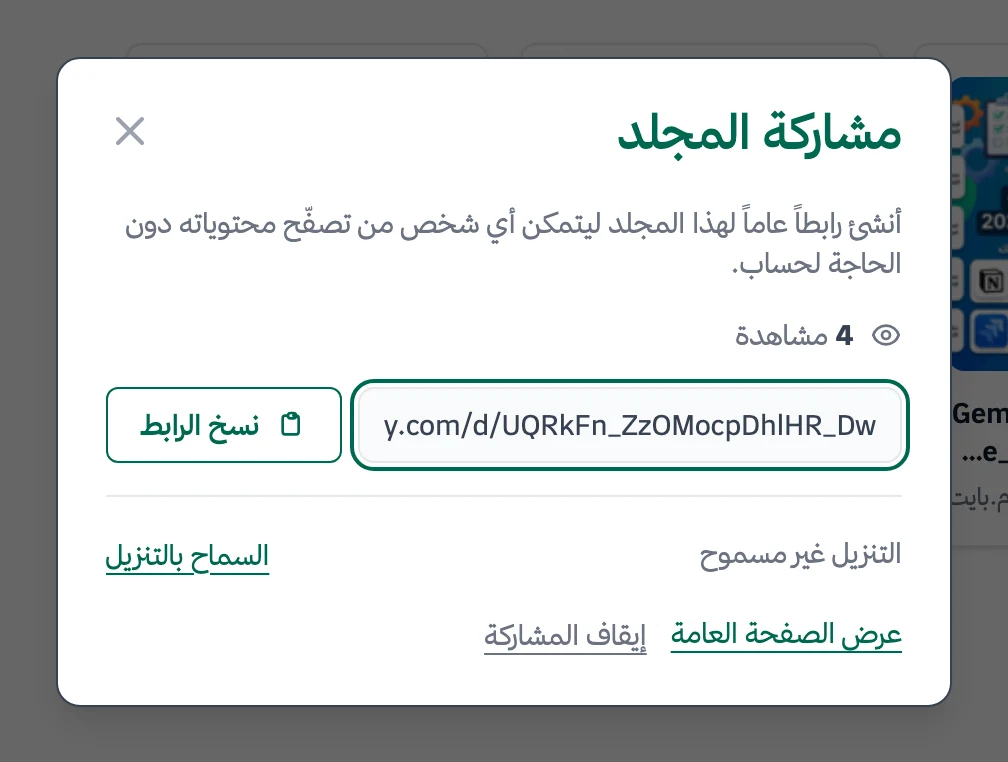
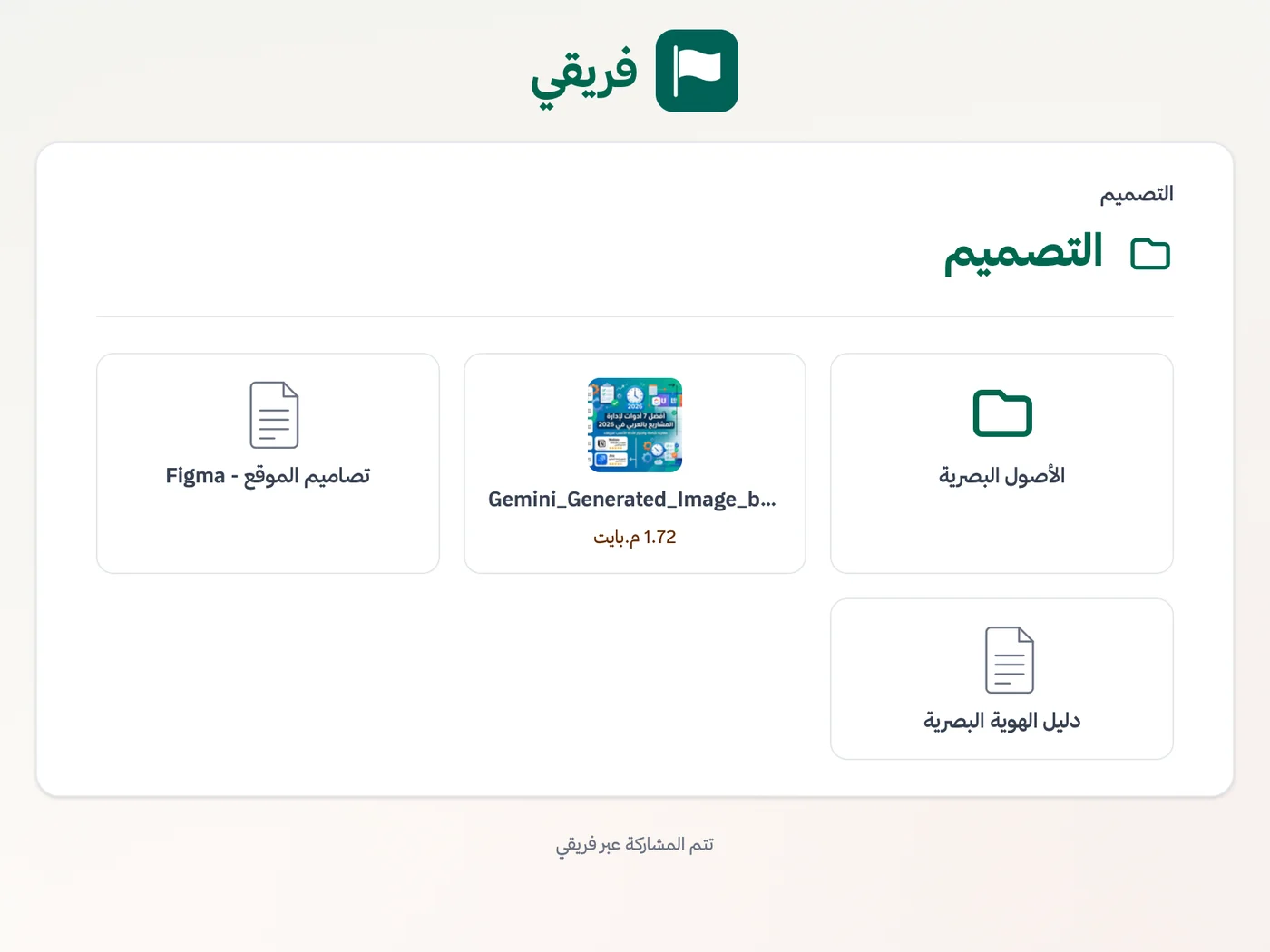
Enable or disable specification and image downloads, stop sharing at any time, and restore it later through the same link.
What changes for e-commerce
Other industries
Frequently Asked Questions
Does Fareeqy integrate with Salla, Zid, or Shopify?
How can I manage several seasonal campaigns at once?
Can I reuse the same product launch checklist?
How do I coordinate fulfillment, content, and support in one place?
What reports can the store owner see?
Is the Free plan enough to try online store task management?
Can a supplier open packaging specifications without registering for Fareeqy?
What Teams Say About Project Management with Fareeqy
One of the nicest, most pleasant experiences I've had managing teams. Fareeqy stands out for being simple, easy, and uncomplicated.
And the most important feature is scheduling your work and tasks around prayer times, not the other way around!Honestly, I love using Fareeqy,
First, the project organization part, and its reminders if there are overdue tasks.
Fareeqy is easy and straightforward. I don't need to read or watch any video to know how to use any feature; everything is straightforward, and that's what makes me like Fareeqy most.Start with your first project today
The Free plan lasts forever, and no credit card is required.
Get Fareeqy Free